EasyManua.ls Logo

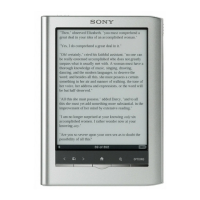
Sony PRS-300 - Options Menu

Sony PRS-300
12 pages
Print Icon
To Next Page IconTo Next Page
To Previous Page IconTo Previous Page
Loading...
13
Page 267
No
DoOiU'n&lk
'4
5
6
NO
page
NO
page
w.l
t:no
mBookmarks
§] Table of Contents
~
Previous View
~
Next View
rn
Info
oUtilities
I2l Continue Reading
-
(I
EJ
Begin
~
A
Christmas
Carol
,~
ChaflesDK.:>!.efl~
~
Emma
:3
-
~
Faust
.4
--
Jona,n
wOlfgang
...
on Goe1le
m-
Gulliver's
Travels
Jor,athanS
...
:n
5
~
Hamlet
'6
--
Wllll.lln
Sha~."'speatE
~
Robinson Crusoe
Z
--
m
Treasure Island
8,
--
RoberlLouls5\€,.ensc'l
m
Uncle Vanya
9
--
Ariton C!'1ecko\l
m
War
and
Peace
(I
--
l.eofoiS1O
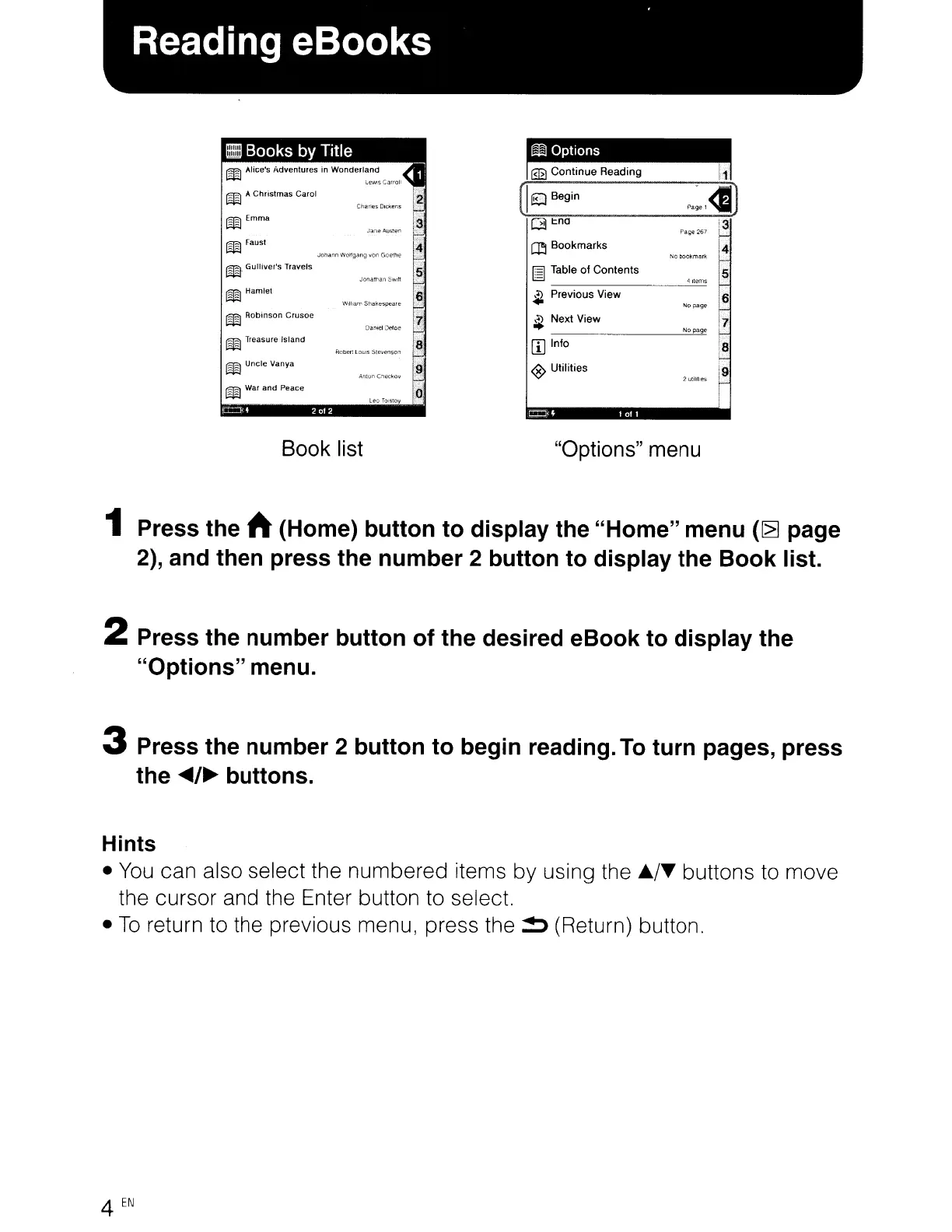
Book list "Options" menu
1 Press the h (Home)
button
to
display
the
"Home"
menu
(~
page
2), and then press the
number
2 button
to
display the
Book
list.
2 Press the
number
button
of
the
desired
eBook
to
display
the
"Options"
menu.
3 Press the
number
2
button
to
begin reading.
To
turn
pages, press
the
~/~
buttons.
Hints
You
can also select the numbered items by using the
./~
buttons to move
the cursor and the Enter button to select.
To
return to the previous menu, press the
~
(Return) button.
4
EN

Other manuals for Sony PRS-300

Related product manuals