EasyManua.ls Logo

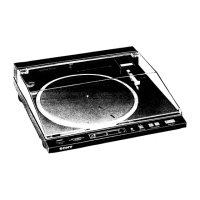
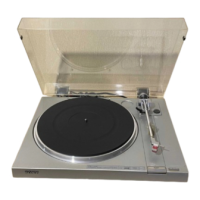
Sony PS-X600 - Record Playing - Auto Play

Sony PS-X600
12 pages
Print Icon
To Next Page IconTo Next Page
To Previous Page IconTo Previous Page
Loading...
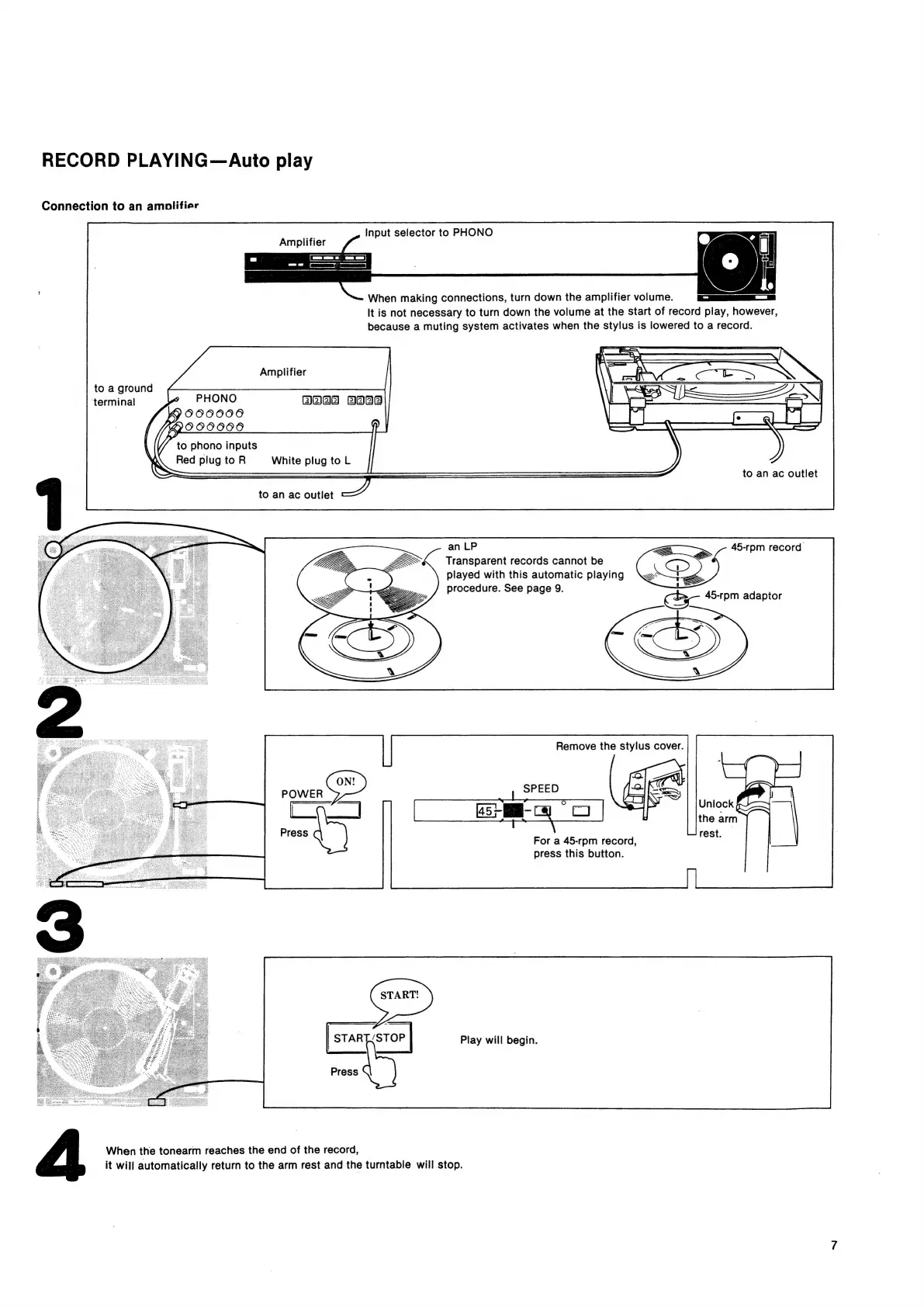
RECORD
PLAYING—Auto
play
Connection
to
an
amolifier
Input
selector
to
PHONO
Amplifier
When
making
connections,
turn
down
the
amplifier
volume.
It
is
not
necessary
to
turn
down
the
volume
at
the
start
of
record
play,
however,
because
a
muting
system
activates
when
the
stylus
is
lowered
to
a
record.
Amplifier
to
a
ground
‘terminal
BOA
FeAaa
to
phono
inputs
Red
plug
to
R
White
plug
to
L
to
an ac
outlet
an
LP
a
Transparent
records
cannot
be
played
with
this
automatic
playing
procedure.
See
page
9.
Remove
the
stylus
cover.
For
a
45-rpm
record,
press
this
button.
|
START/STOP
|
Play
will
begin.
Press
When
the
tonearm
reaches
the
end
of
the
record,
it
will
automatically
return
to
the
arm
rest
and
the
turntable
will
stop.

Related product manuals