DE
IT
NL
PT
Basic operations
Copying music/videos/images
Copying image files
Example: Importing images from a digital still camera
1. Import
Import images to a PC.
Import methods vary depending on the device in use. For
details, refer to the instructions supplied with the device.
2. Copy
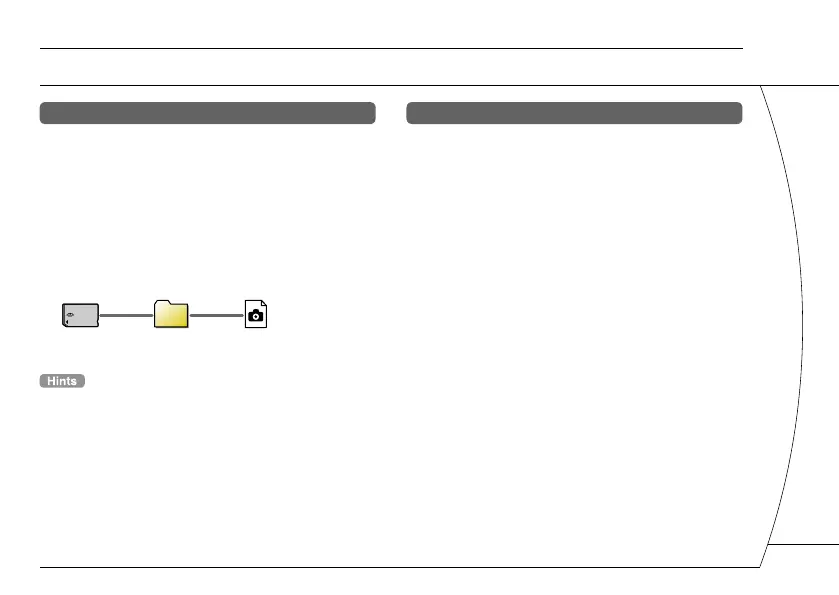
Create a folder named "PICTURE" on Memory Stick Duo™
media using a PC, and then save image files in the folder.
PICTURE
• If using a digital still camera that supports Memory Stick
Duo™ media, you can view images by inserting the media
from the camera directly into the PSP
®
system.
• You can view image files in formats such as JPEG (DCF 2.0/
Exif 2.21 compliant), TIFF and GIF.
Conversion software
Media Manager* for PSP
®
(PlayStation
®
Portable) can
be used to convert music, video and image files to
the required format. When copying files to Memory
Stick Duo™ media, the necessary folders are created
automatically.
* Available separately
17







 To Next Page