48
5 Press CH +/– or INPUT repeatedly to select
the channel or input source you want to
record.
• When using the cable box/satellite receiver
control, select the channel by pressing
CH +/– on this recorder’s remote. The
recorder’s input is switched to the connected
input (LINE1 or LINE2). You can also use
the number buttons.
• When not using the cable box/satellite
receiver control, select the connected input
(LINE1 or LINE2) by pressing INPUT, and
then select the channel on the cable box/
satellite receiver’s side.
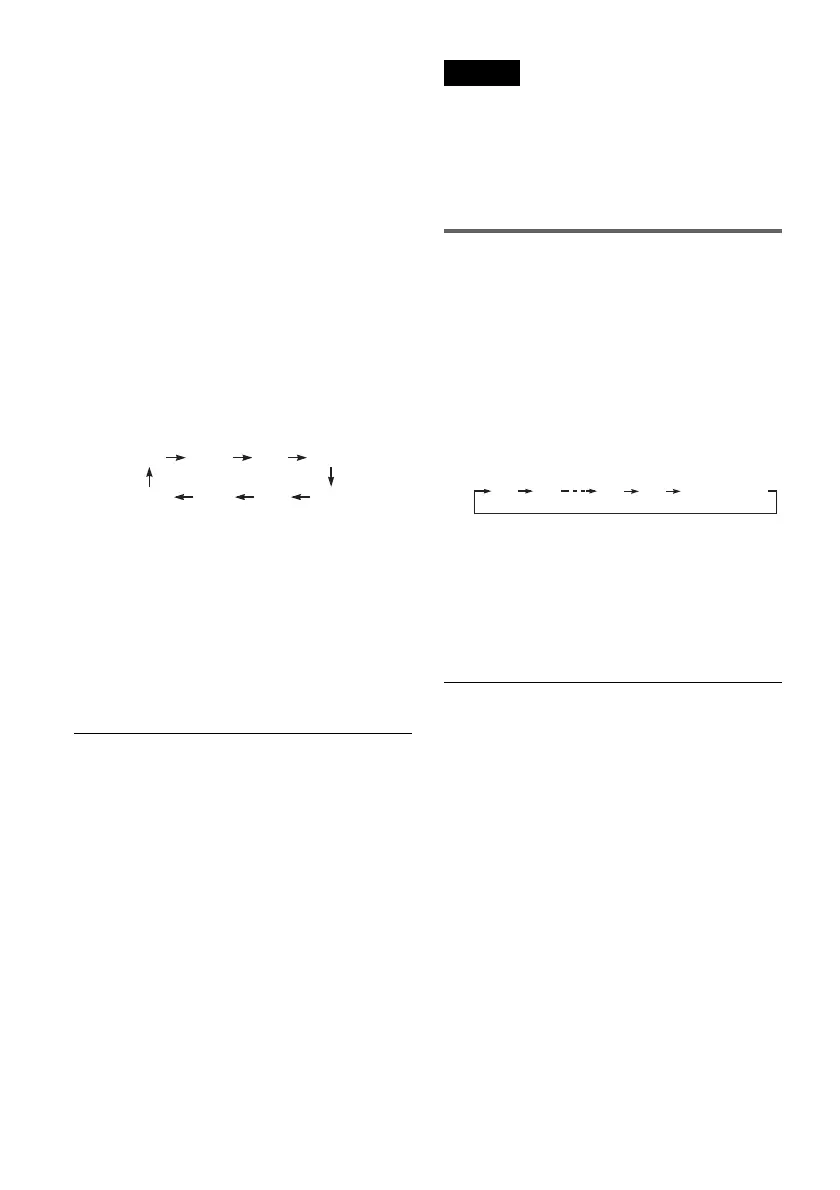
6 Press REC MODE repeatedly to select the
recording mode.
The display changes on the TV screen as
follows:
For details about the recording mode, see
page 46.
7 Press z REC.
Recording starts.
Recording continues until you stop the
recording or the disc is full.
Leave the cable box/satellite receiver turned
on and do not change the channel you are
recording.
To stop recording
Press x STOP.
Note that it may take a few seconds for the
recorder to stop recording.
To pause recording
Press X PAUSE.
To restart recording, press X PAUSE again.
To watch a VHS tape while recording
Press VIDEO to operate the VCR, insert a tape,
then press H PLAY.
z Hints
• To play a disc recorded with this recorder on other
equipment, finalize the disc (page 88).
• You can turn off the TV during recording.
Notes
• Recording may not start immediately after z REC is
pressed.
• You cannot change the recording mode during
recording or recording pause.
• If there is a power failure, the program you are
recording may be erased.
• You cannot change the input source during recording.
Recording using the Quick Timer
(One-touch Timer Recording)
You can set the recorder to record in 30-minute
increments.
1 Press DVD to operate the DVD recorder.
2 Press z REC repeatedly to set the
duration.
Each press increases the time by 30 minutes,
up to eight hours*.
“c” and “OTR” light up, and the remaining
recording time appears in the front panel
display.
When the time counter reaches “0:00,” the
recorder stops recording and turns off.
* 14 hours 30 minutes for DVD+R DL (Double Layer)
discs.
To cancel the Quick Timer
Press z REC repeatedly until the counter appears
in the front panel display. The recorder returns to
normal recording mode.
To stop recording
Press x STOP twice.
Note that it may take a few seconds for the
recorder to stop recording.
HQ SPHSP LSP
SLP LPEP ESP
0:30 1:00 7:30 8:00
(Normal
recording)















 To Next Page