1
2
3
4
[Add channels to Favorites]
Add your favorite channels to DISCOVER.
[Add keyword categories]
Add keywords to create your own custom content category.
[Display size]
Select the display size of the menu.
[Sort TV channels]
Select the type of TV program sorting.
Note
Some options may not be available depending on your model/region/country.
[14] Getting Started | Basic Operations
Using the Action Menu
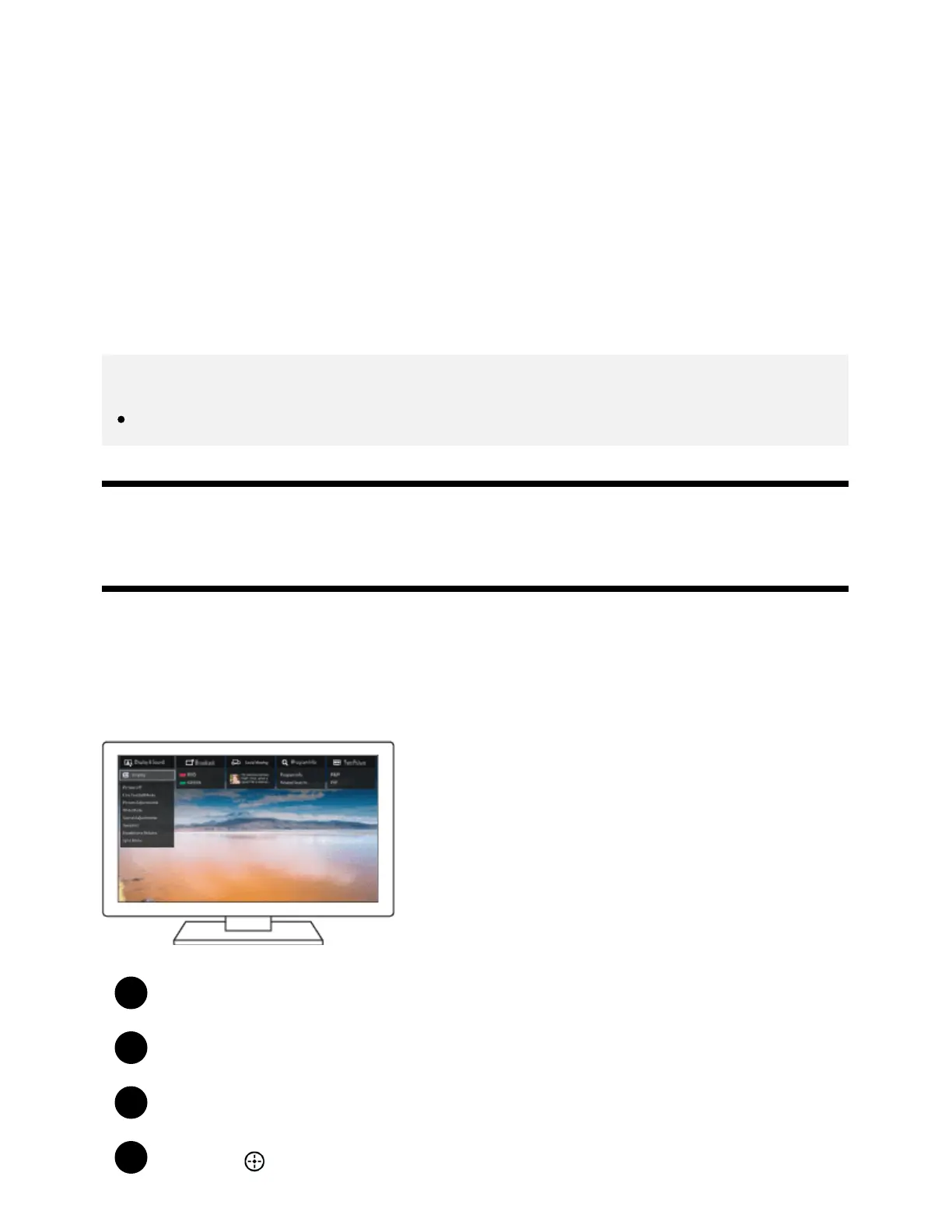
By pressing the ACTION MENU button, a menu appears and provides quick access to the functions
that are available for the currently displayed screen, such as picture adjustments, sound adjustments,
volume adjustment for a connected device (such as headphones), and display/audio settings. The
items in the menu differ depending on the selected screen.
Press the ACTION MENU button.
Move the focus left or right to select the desired category.
Move the focus up or down to select the desired item.
Press the
button to launch the selected item.









 To Next Page