28
GB
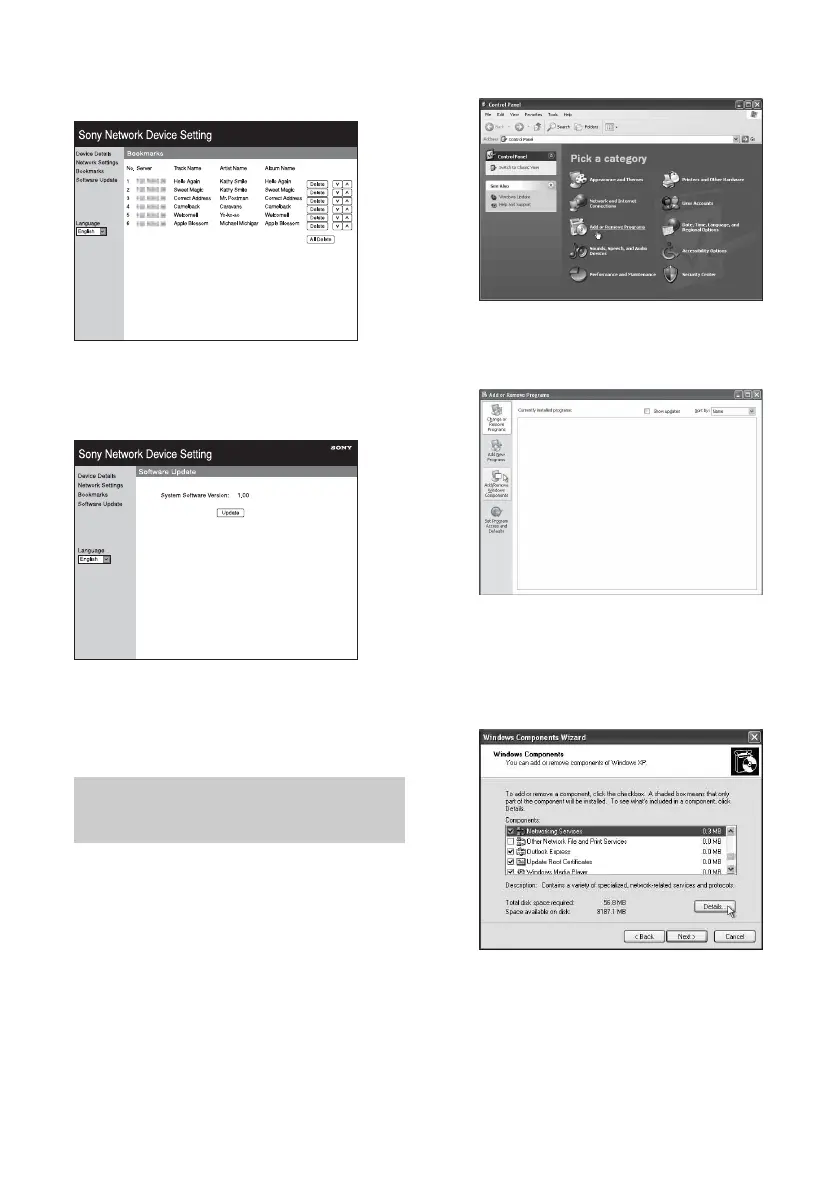
Bookmarks screen
You can manage the bookmark playlist using
this screen.
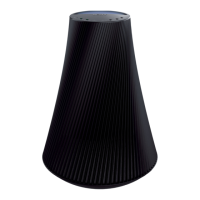
Software Update screen
You can update the firmware using this screen.
Tip
You can change the language using the language tab
on the left side on the screen.
You have to install the UPnP service for
browsing.
Note
The items displayed on the computer may be
different from the ones shown in this section,
depending on the version of the operating system or
the computer environment. For details, refer to the
help of your operating system.
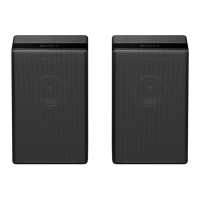
1 Click [Control Panel] t [Add or
Remove Programs].
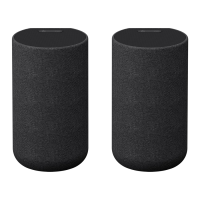
2 Click [Add/Remove Windows
Components].
The Windows Components Wizard
appears.
3 Click [Networking Services] t
[Details...].
Starting the browser with
Windows XP



 To Next Page