SECTION 2
ADJUSTMENTS
2-1. FUNCTIONAL ALIGNMENT (1)
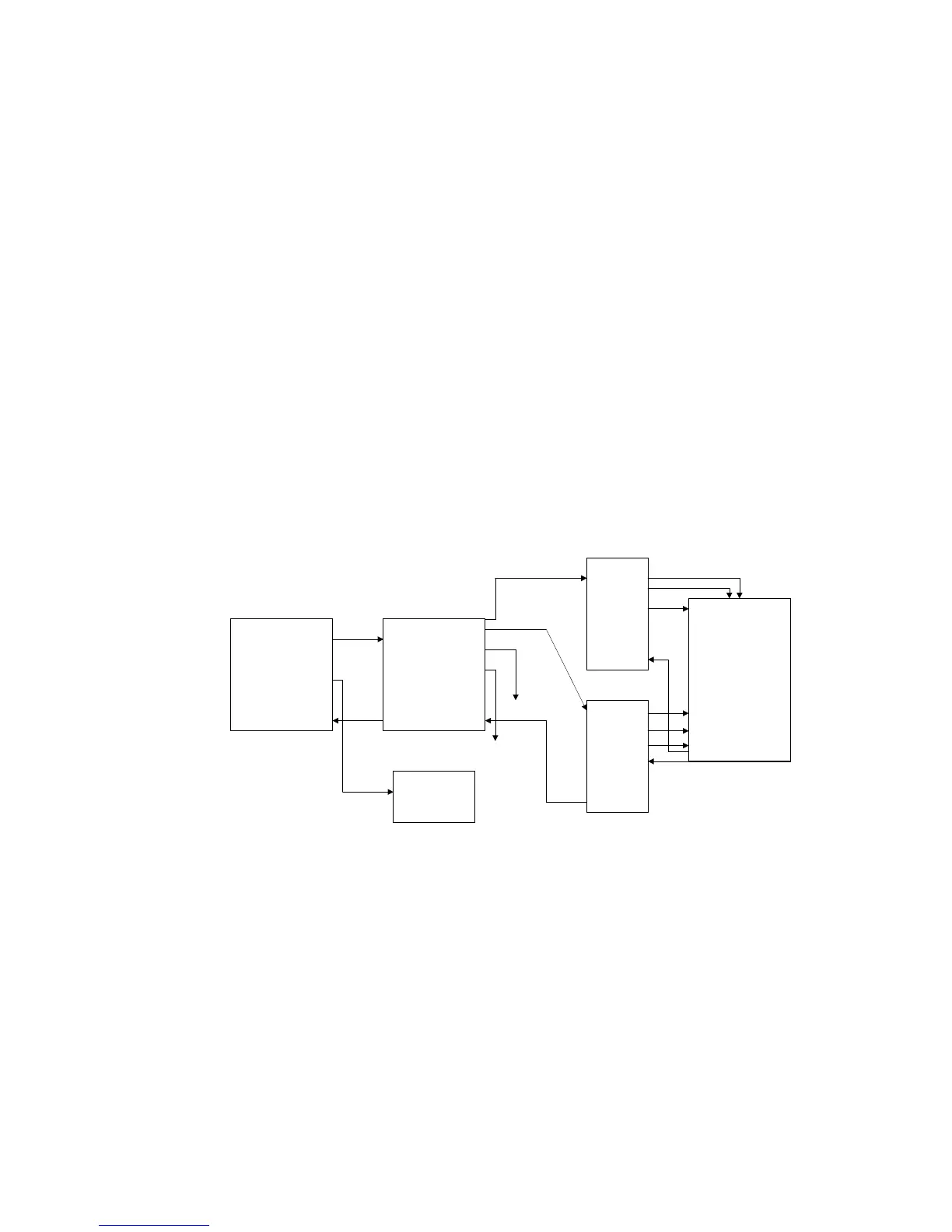
• Procedures of how to go to service mode.
1. Hold “+” and “-” key power on, SDM-M61 goes into service mode.
2. Press “MENU” key-----ODS display.
3. Press “-” key to go to second page’s late icon.
4. Press “OK” key-----service menu display.
5. Select one of features.
6. Press “MENU” key to exit OSD.
7. Power OFF then ON again, monitor go to normal mode.
If you would like to enter service mode again, performing the above procedures cycle.
Note
1. N/A means “Not applied”.
2. This service menu only provides both Configuration & Sync slice functions.
This other were used for design engineering. There is no guarantee of using those N/A functions.
PERFORM
(N/A)
(N/A)
(N/A)
(N/A)
(N/A)
(N/A)
INITIAL EE PRM
OK
ANALOG
CONFIGURATION
CHIPS
SYNC SLICE
TMDS
EXIT
(N/A)
(N/A)
COLOR TEMP
INITIAL EE PROM
CLEAR ETI TIME
PRESET B/C/C
EEPROM TEST
EXIT
9300K
6500K
5000K
BRT 1
CON 1
EXIT
9300K
6500K
5000K
BRT 2
CON 2
EXIT
SUB-BRIGHTNESS
R
G
B
SUB-CONTRAST
R
G
B
EXIT
●
On
☼
Off
DIGITAL
SDM-M61(E)
2-1


 To Next Page