44
GB
Adjusting the sound
Selecting the Virtual
Football mode
You can experience a feeling of presence
in the stadium when watching the football
match broadcast.
Press FOOTBALL repeatedly while
watching a football match
broadcast.
• NARRATION ON: You can enjoy an
immersive feeling of being in a football
stadium through enhanced stadium
cheers.
• NARRATION OFF: You can enjoy a
more immersive feeling of being in a
football stadium by minimizing the
volume level of narration in addition to
the enhancement of cheers.
To cancel the Virtual Football mode
Press MUSIC repeatedly to select
“FLAT”.
Notes
• We recommend you to select the football
mode when watching a football match
broadcast.
• If you hear unnatural sound in the content
when “NARRATION OFF” is selected,
“NARRATION ON” is recommended.
• This feature does not support monaural sound.
• You can only select the Virtual Football mode
during AUDIO IN 1 or AUDIO IN 2 function.
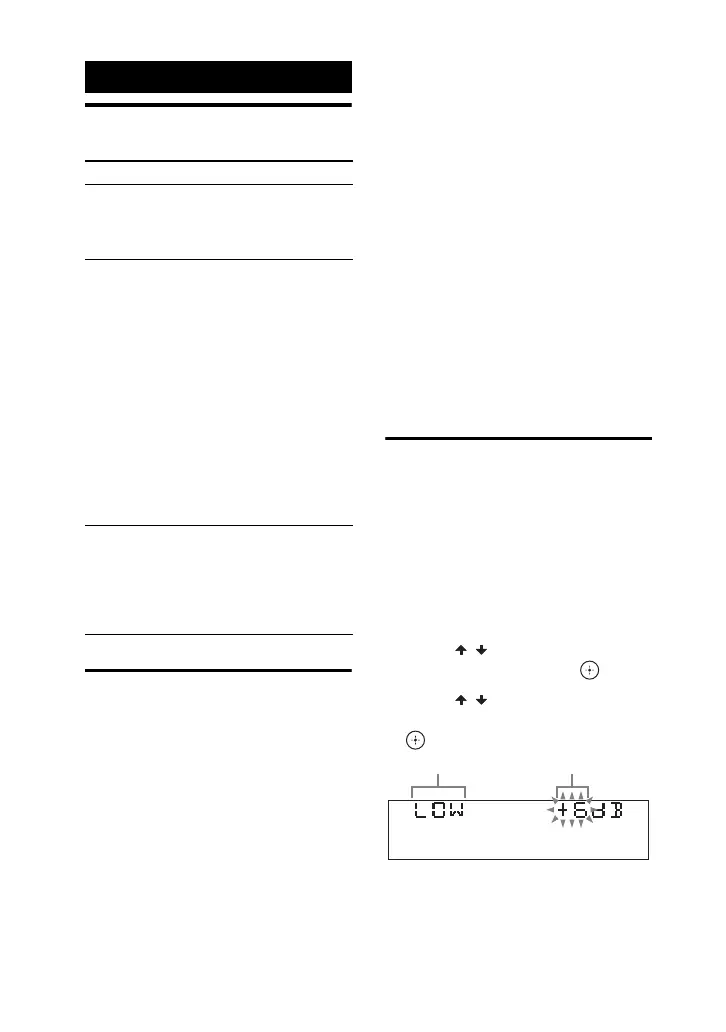
Creating your own
sound effect
You can raise or lower the levels of
specific frequency bands, then store the
setting in the memory as “CUSTOM EQ”.
1 Hold down SHIFT, then press
OPTIONS.
2 Press / repeatedly to select
“EQ EDIT”, then press .
3 Press / repeatedly to adjust
the equalizer level, then press
.
Sound Adjustment
To Do this
Reinforce the
bass and create
a more powerful
sound
Press BASS BAZUCA on
the unit.
Reduce the bass
sound (BASS
CUT)
Hold down BASS
BAZUCA on the unit for
2 seconds or more.
To cancel the BASS CUT
effect, press BASS
BAZUCA again.
Notes
• The BASS BAZUCA
indicator flashes when
BASS CUT effect is
turned on.
• The BASS CUT effect is
turned off automatically
when you turn off the
system.
Select a preset
sound effect
Press MUSIC or MOVIE/
GAME.
To cancel preset sound
effect, press MUSIC
repeatedly to select
“FLAT”.
Frequency band
Equalizer level



 To Next Page