9
GB
Approach 3: Using the DIP switch for setup
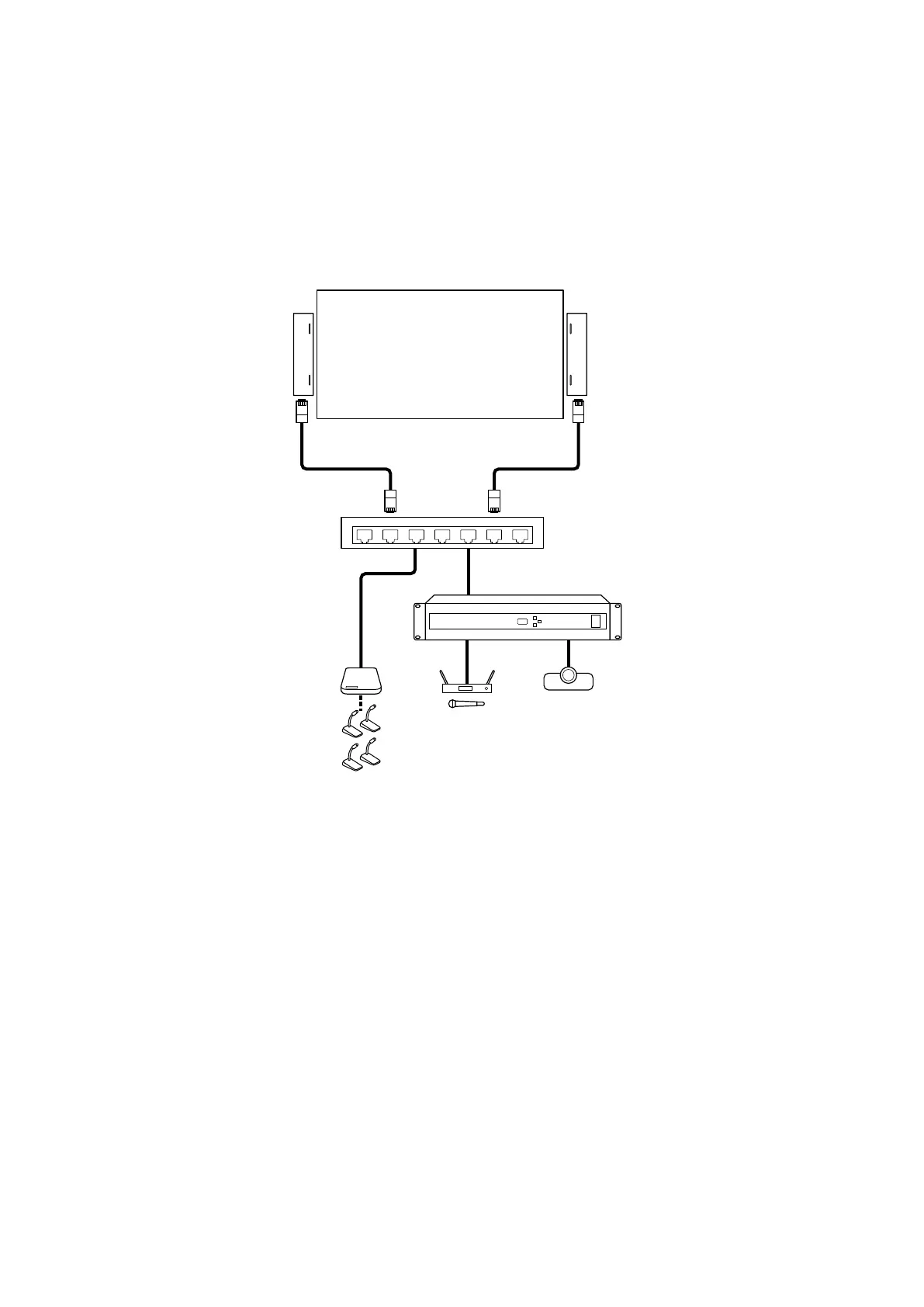
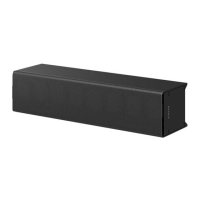
The following shows a connection example for using the speakers in a medium size conference room with easy setup.
Connect the speakers with Dante compatible audio devices using Ethernet cables. Via a network switch (
), connect
the speakers with such devices as follows (To use Dante devices, you need to specify the input source, in advance,
with the Line-Array Speaker Manager application (page 15).):
• Conference microphone system (
)
• Digital signal processor (
) that has, among others, a wireless microphone (
) and a video conference system (
)
connected
Configuration
1
Select one of the preset beam control settings with the DIP switch (page 16).
2
Connect audio devices to the speakers, and then the speakers to AC outlets with the power cords.
3
Mount the speakers on a wall (page 17).


 To Next Page