7
GB
Menu start
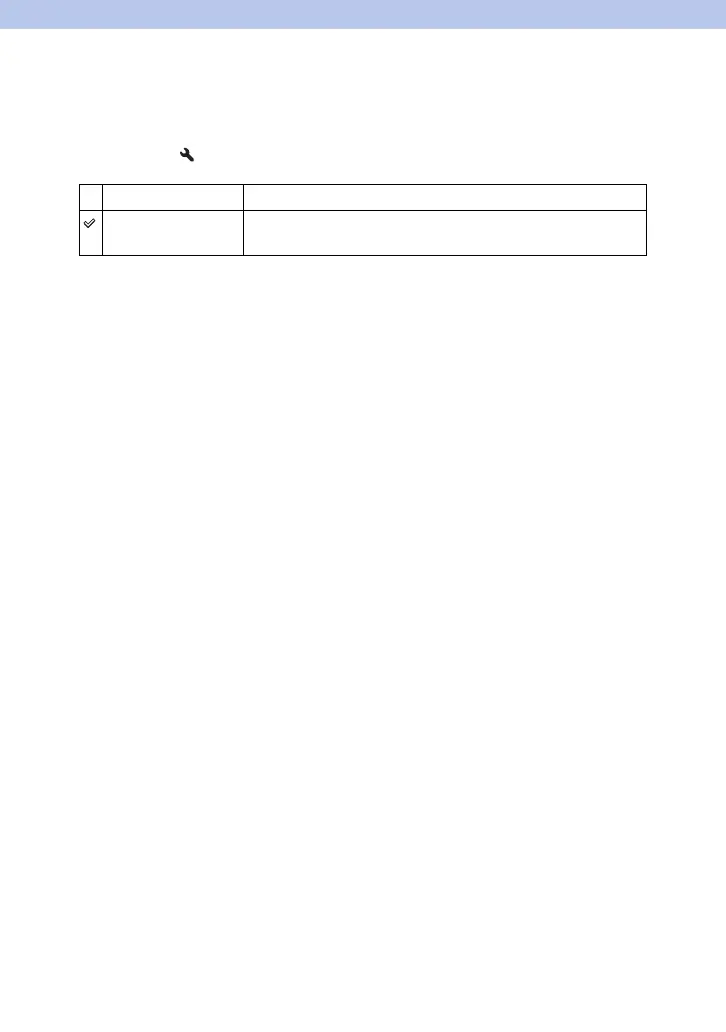
This item allows you to select whether to always display the first screen of the menu or
to display the screen of the item you select the last time.
1 [Menu] t 2 t [Menu start] t Select the desired setting
Top Always displays the first screen of the menu.
Previous Displays the last item selected. This will make it easier to quickly
reset the last item you selected previously.



 To Previous Page
 Loading...











