134
Deleting images (Delete)
Once you have deleted an image, you cannot restore it. Check whether to
delete the image or not beforehand.
Note
• Protected images cannot be deleted.
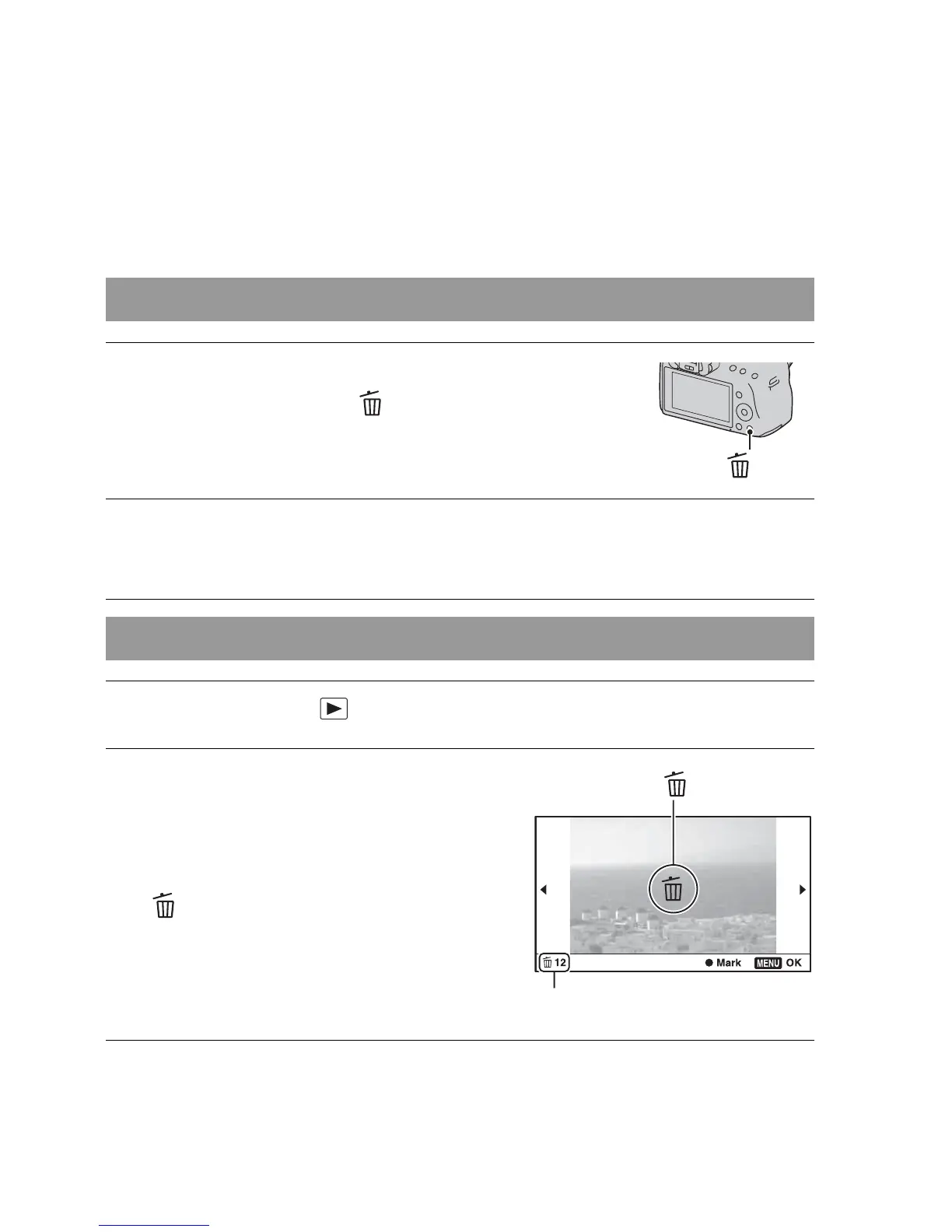
Deleting the image that is currently displayed
1 Display the image you want to
delete and press the button.
button
2 Select [Delete] with v on the control button, then press the
center of the control button.
Deleting the selected images
1 MENU button t 1 t [Delete] t [Multiple Img.]
2 Select the images you want to
delete with the control button,
then press the center of the
control button.
A mark appears on the selected
image.
Total number
3 To delete other images, repeat step 2.



 To Next Page