166
Note
• Use “iMovie” bundled with a Macintosh computer to import or operate AVCHD
format movies.
Perform the procedures from step 1 to 3 below before:
• Disconnecting the USB cable.
• Removing the memory card.
• Turning off the camera.
Note
• Drag and drop the icon of the memory card or the drive icon to the “Trash” icon
beforehand when you use a Macintosh computer, and the camera is disconnected
from the computer.
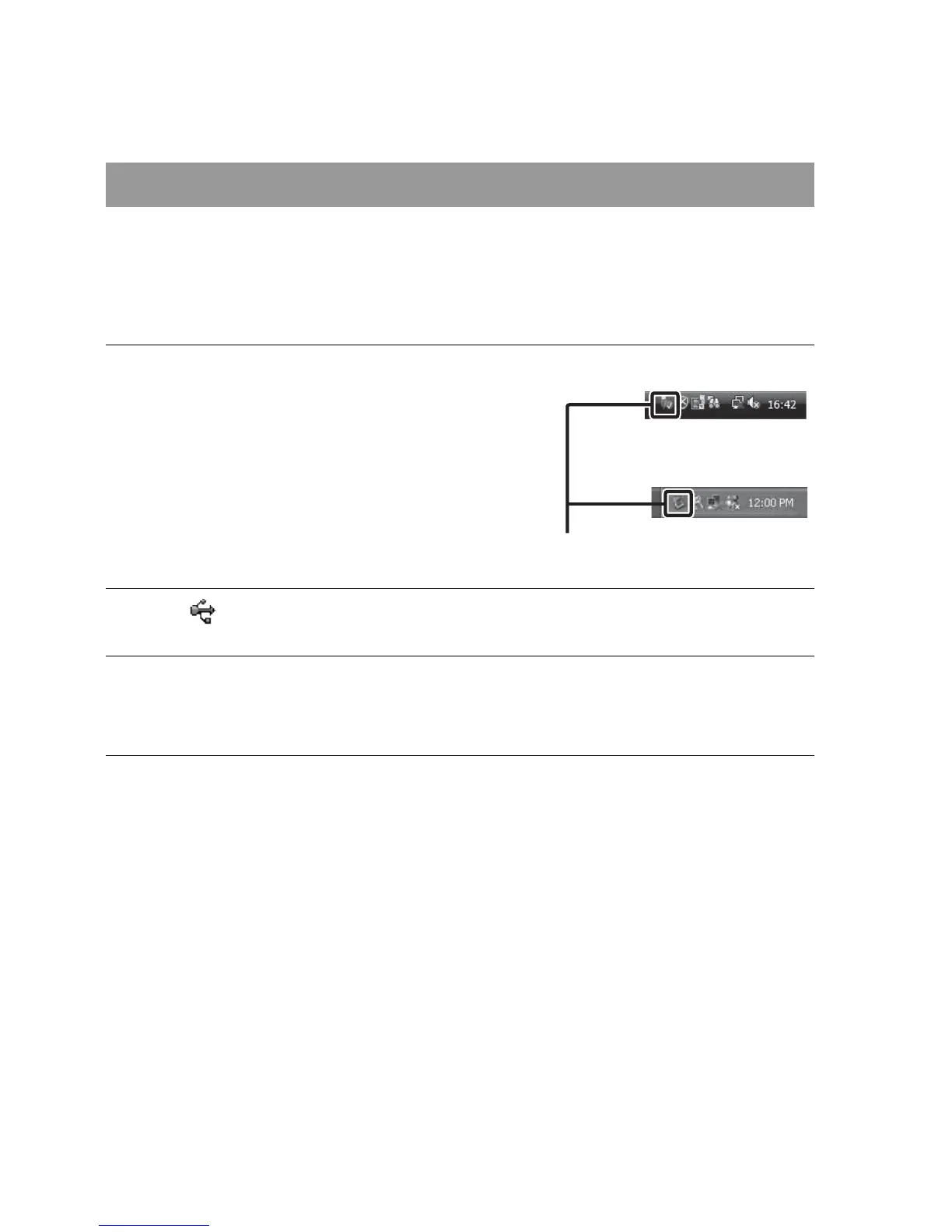
Deleting the USB connection
1 Double-click the disconnect icon
on the tasktray.
Disconnect icon
2 Click (USB Mass Storage Device) t [Stop].
3 Confirm the device on the confirmation window, then click
[OK].
Windows Vista
Windows XP



 To Next Page