141
Changing your setup
[3D Pan.: Image Size]
The larger the image size, the higher the image quality.
MENU button t 1 t [Movie: Size] t Select the desired
size
[AVCHD] mode
[MP4] mode
MENU button t 1 t [Image: Aspect Ratio] t Select the
desired ratio
Note
• This item cannot be set when the exposure mode is set to Sweep Panorama.
MENU button t 1 t [Image: Quality] t Select the desired
setting
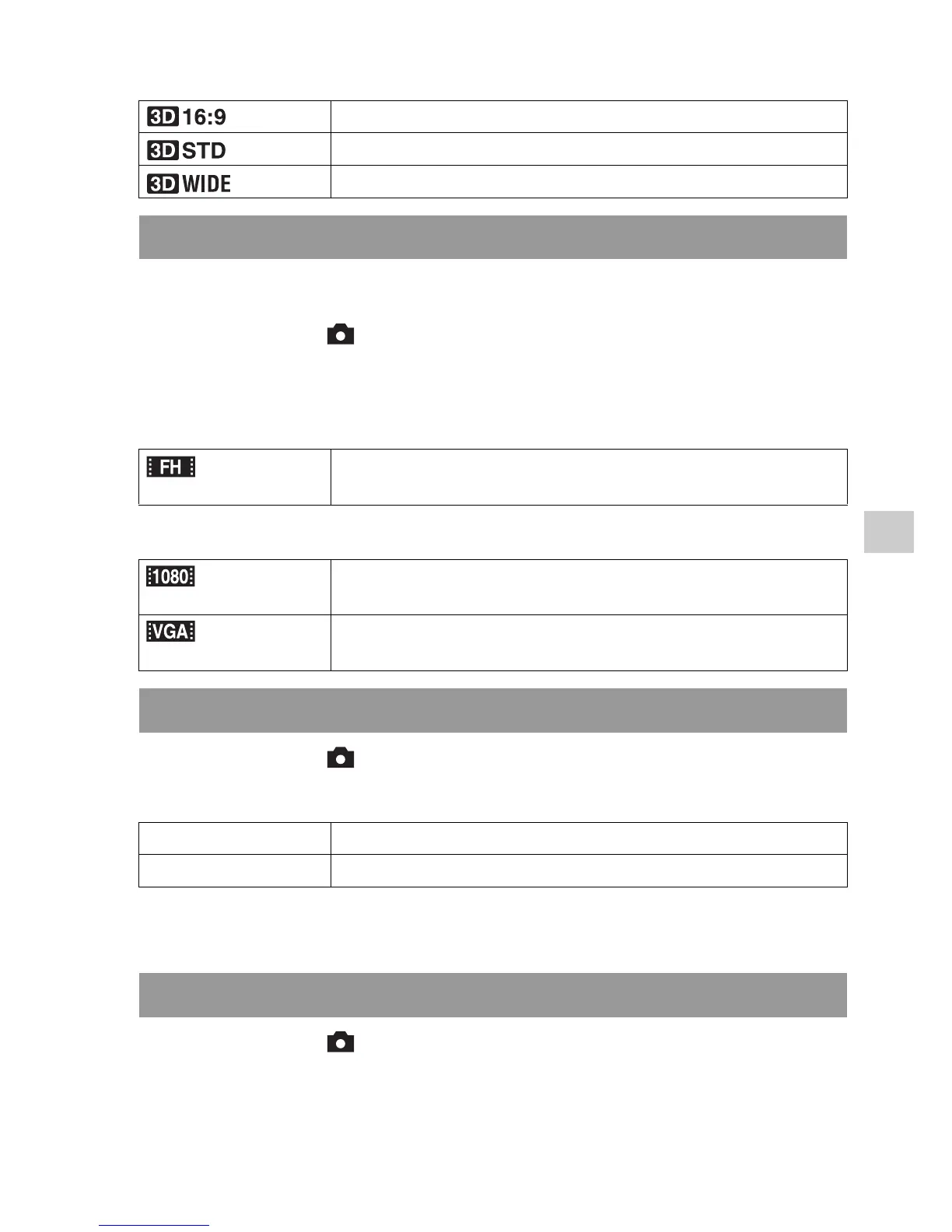
(16:9) Horizontal: 1920 × 1080
(Standard) Horizontal: 4912 × 1080
(Wide) Horizontal: 7152 × 1080
Movie: Size
(1920 × 1080) 17 Mbps: Records with the highest image quality for viewing
on a high-definition TV.
(1440 × 1080) 12 Mbps: Records with high image quality for viewing on a
high-definition TV.
(VGA) (640 ×
480)
3 Mbps: Records in the suitable size for WEB uploads.
Image: Aspect Ratio
3:2 A normal ratio.
16:9 An HDTV ratio.
Image: Quality



 To Next Page