54
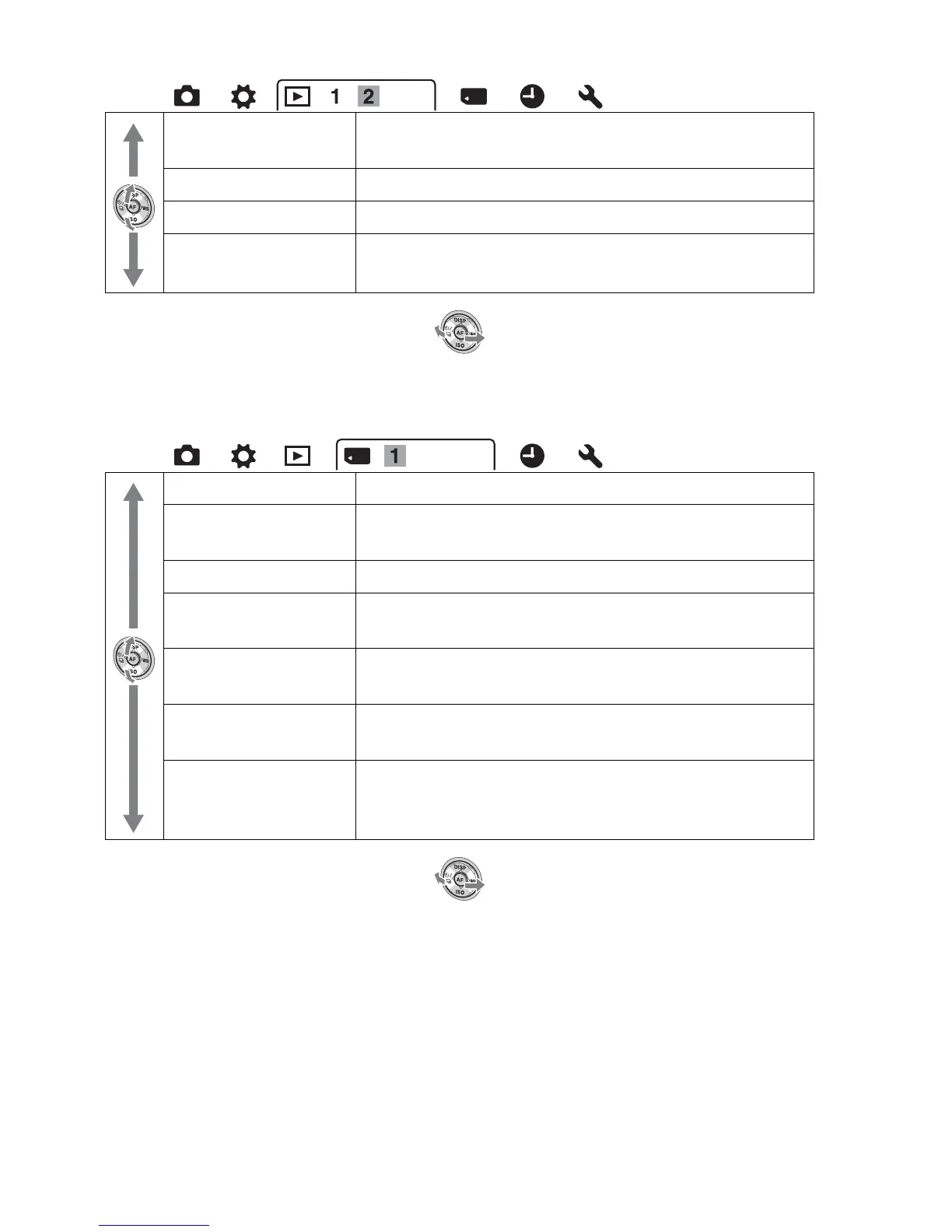
Memory Card Tool menu
Volume Settings
(124)
Sets the volume for movie playback.
Select Folder (123) Changes the folder for images to play back.
Select Date (125) Displays images from another date.
Playback Display
(123)
Sets how to play back an image recorded in portrait.
Format (144) Formats the memory card.
File Number (143) Sets the method used to assign file numbers to still
images and movies.
Folder Name (143) Sets the folder format for still images.
Select REC Folder
(144)
Changes the selected folder for storing still images.
New Folder (144) Creates a new folder for storing still images and
movies.
Recover Image DB
(145)
Recovers the image database file for movies and
enables recording and playback.
Display Card Space
(145)
Displays the remaining recording time of movies and
the recordable number of still images on the memory
card.



 To Next Page