56
* Appears when an Eye-Fi card (sold separately) is inserted in the camera.
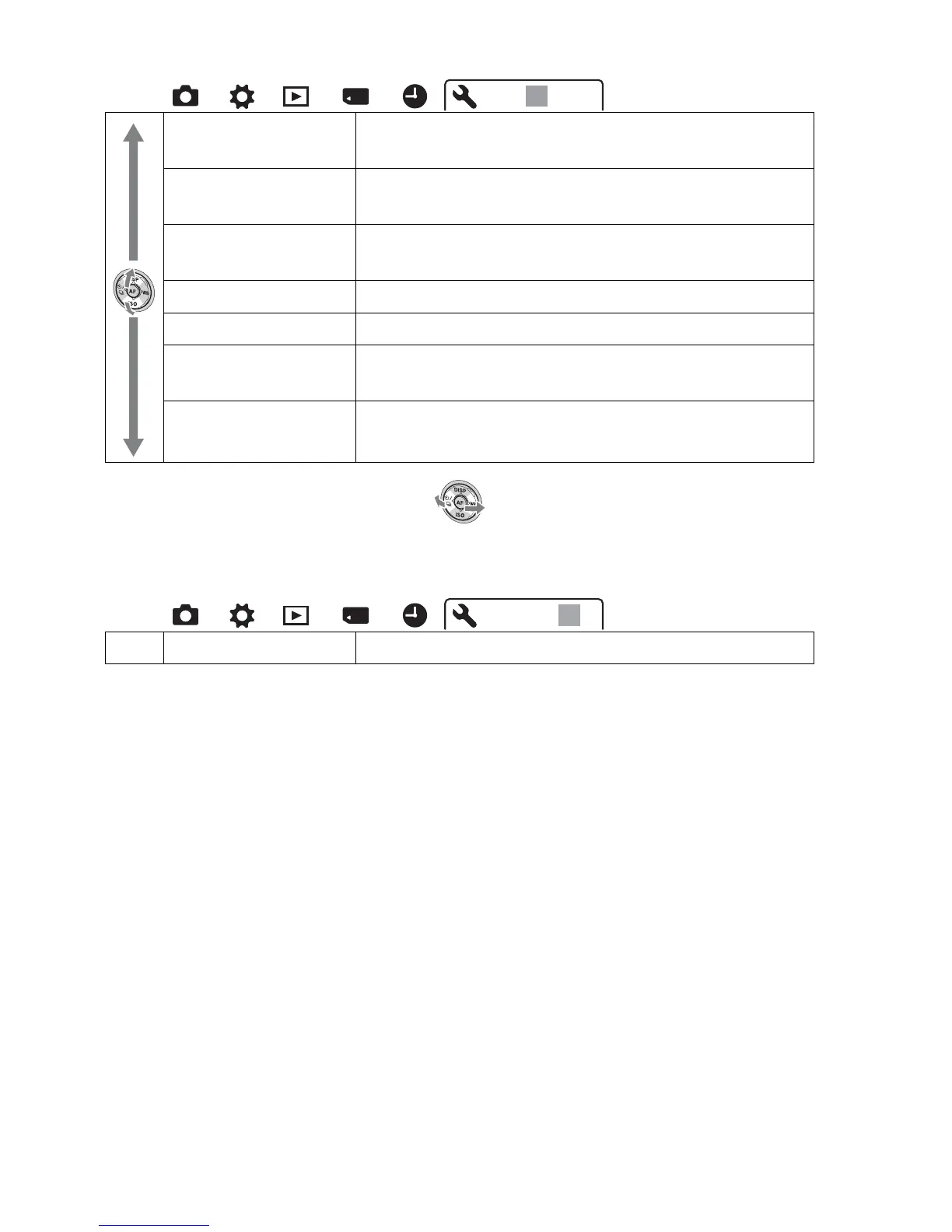
Upload Settings
(145)*
Sets the upload function of the camera when using an
Eye-Fi card.
USB Connection
(164)
Sets the USB connection method.
Audio signals (150) Sets whether or not to use the beep sound when the
focus is achieved or the self-timer is working.
Cleaning Mode (37) Starts the cleaning mode to clean the image sensor.
Version (154) Displays the camera software version.
Demo Mode (151) Sets the demonstration playback of a movie to on or
off.
Menu start (151) Selects a first-displayed menu from the top menu or
the last menu screen.
Reset Default (155) Restores the settings to their defaults.
123
123



 To Next Page