78
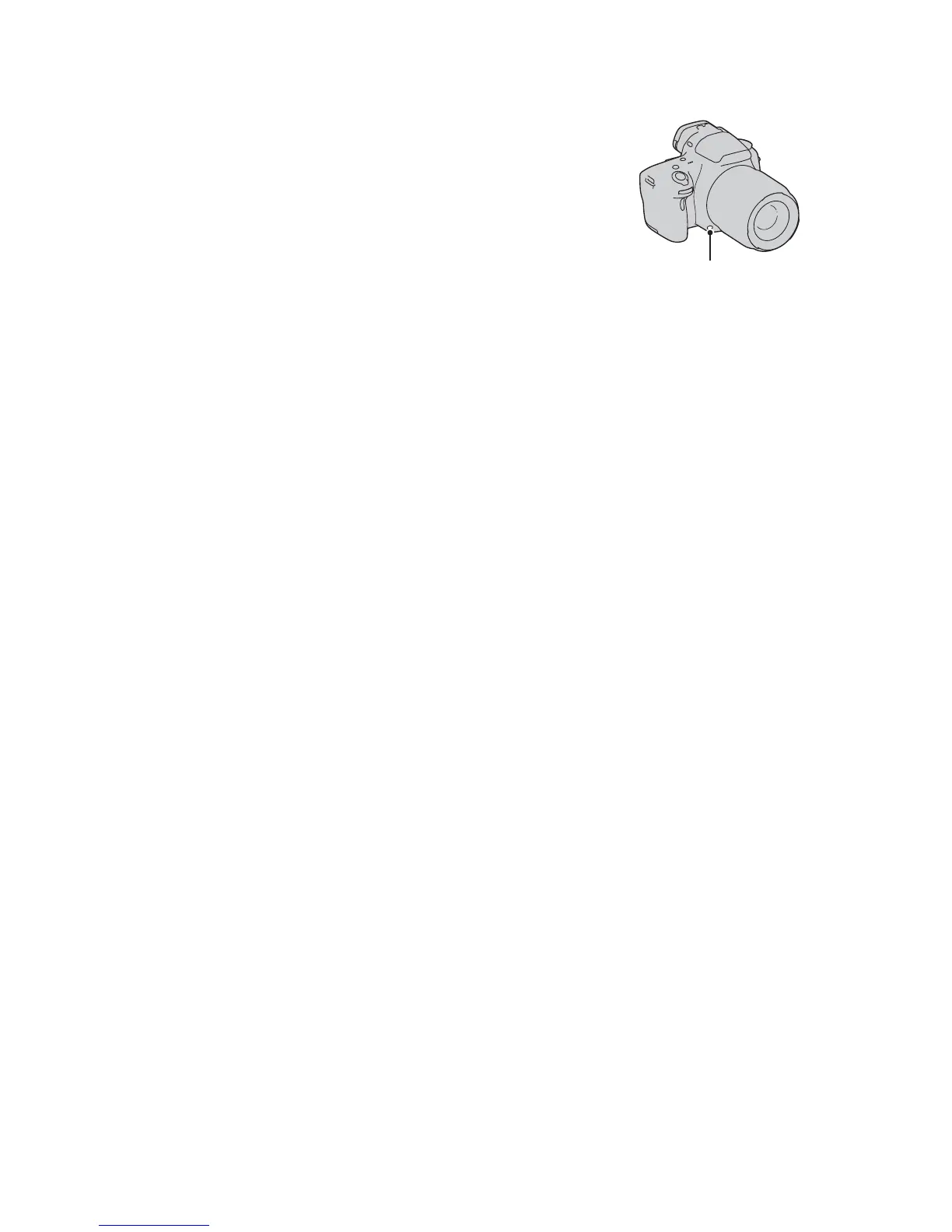
To check blurring of the background (Preview button)
• Press the preview button after you adjust the focus.
• You can adjust the aperture in preview mode.
The LCD monitor and the viewfinder
shows an image captured with the widest
aperture. The change in aperture affects
the sharpness of the subject image,
creating a discrepancy between the
sharpness of the image before shooting
and that of the actual image.
While you are pressing the preview
button, you can see the image with the
aperture used in the actual shot so that
you can check the approximate sharpness
of the subject before shooting.
Preview button



 To Next Page