– 16 –
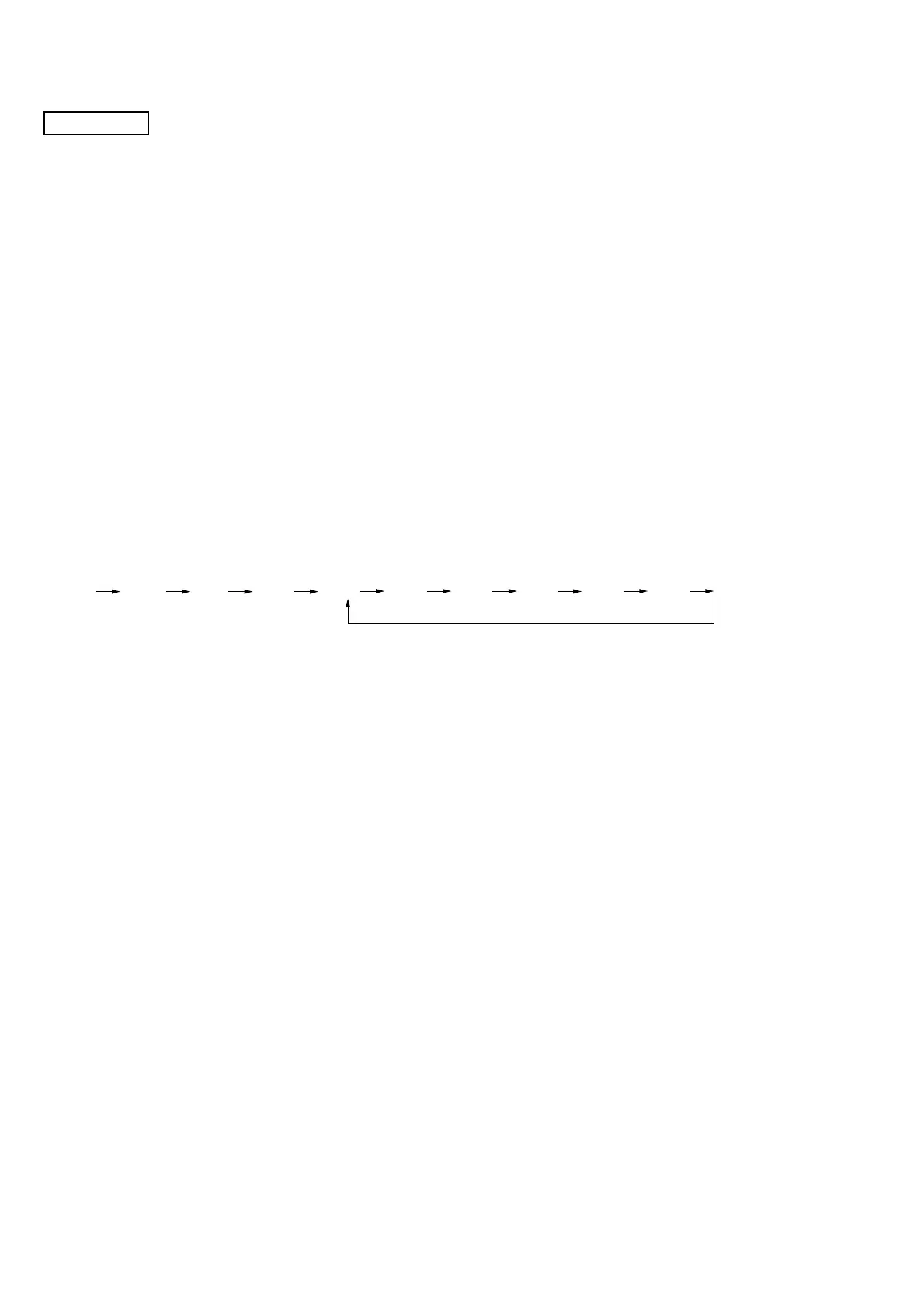
21CH 40CH 1CH 2CH 3CH 39CH 40CH20CH19CH
. . .
BASE UNIT
– MAIN Section –
[Setting the Test Mode]
1. Power on with pressing the [INTERCOM] key for five seconds.
2. When the test mode is set, it beeps confirm tone and CHARGE LED turns on for 50 msec.
Note: If setting the test mode with the status that [TONE] position is selected at [DIAL MODE] switch, the unit cold stars next time when the power is
turned on.
[Releasing the Test Mode]
To release the test mode, perform as follows:
• Turn the power off (disconnect the AC adapter plug).
• Set the handset to charge on the base unit (except Test Mode 9).
• Bell in.
[Changing the Test Mode Step]
1. Set the [DIAL MODE] switch to the [PULSE] position.
2. Press the [INTERCOM] key.
3. A step is changed each time the key is pressed, and CHARGE LED turns on for 50 ms and it beeps confirm tone.
[Changing the Channel]
1. Set the [DIAL MODE] switch to the [TONE] position.
2. Press the [INTERCOM] key.
3. A channel is changed each time the key is pressed, and CHARGE LED turns on for 50 ms and it beeps confirm tone.
Note: Channel will be back to initial channel (19CH), when the test mode step is changed.
• Channel Rotation
SECTION 3
TEST MODE



 To Next Page