Caller ID Features
Caller ID Features
65
US
Storing a number of the Caller ID list into
the Phone Directory
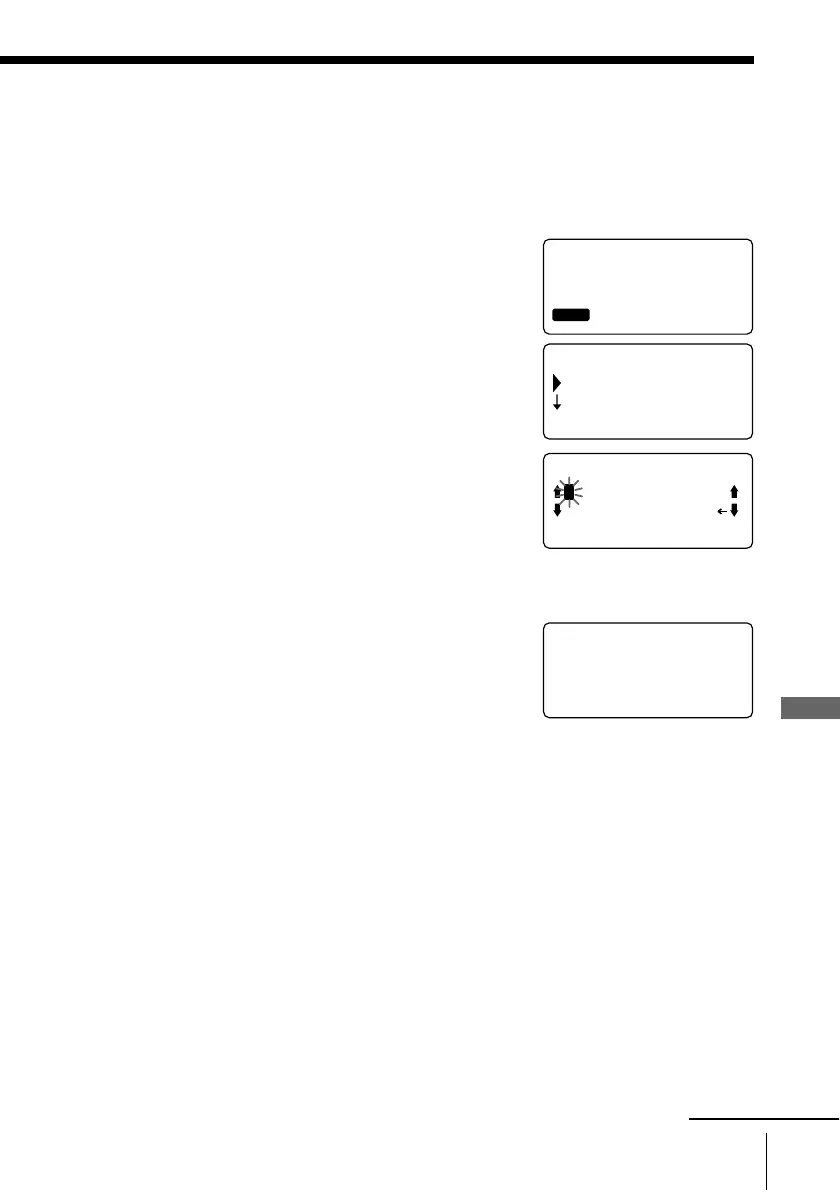
1 Display the name and phone number you want
to store from the Caller ID list (see page 61).
2 Confirm the number and press Jog Dial.
3 Turn Jog Dial to choose “PROGRAM”, and then
press Jog Dial.
The cursor “_” is at the right of the name.
Enter or change the name, if necessary (see page
48).
4 Press (PGM). (Press (PROGRAM) on the base
phone.)
The cursor is at the right of the phone number.
Enter or change the phone number, if necessary
(see page 48).
5 Press (PGM) (or (PROGRAM)).
You hear a long confirmation beep and the
name and number are stored.
SMITH JOHN
1-201-123-4567
01 7.04 4:53PM
RING OFF
MASSAGEOLDNEW
(GO BACK)
DIAL
PROGRAM
RING OFFMASSAGEOLDNEW
RING OFFMASSAGEOLDNEW
SMITH JOHN_
ABCDEFGHIJKLMN
OPQRSTUVWXYZ
RING OFFMASSAGEOLDNEW
SMITH JOHN
12011234567_
continued



 To Next Page