EasyManua.ls Logo

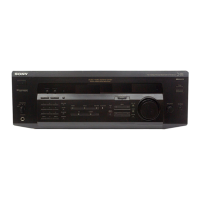
Sony STR-435 - Quick Reference Guide; Receiving Preset Stations; Scanning Preset Stations; Selecting a Component

Sony STR-435
85 pages
Print Icon
To Next Page IconTo Next Page
To Previous Page IconTo Previous Page
Loading...
29
US
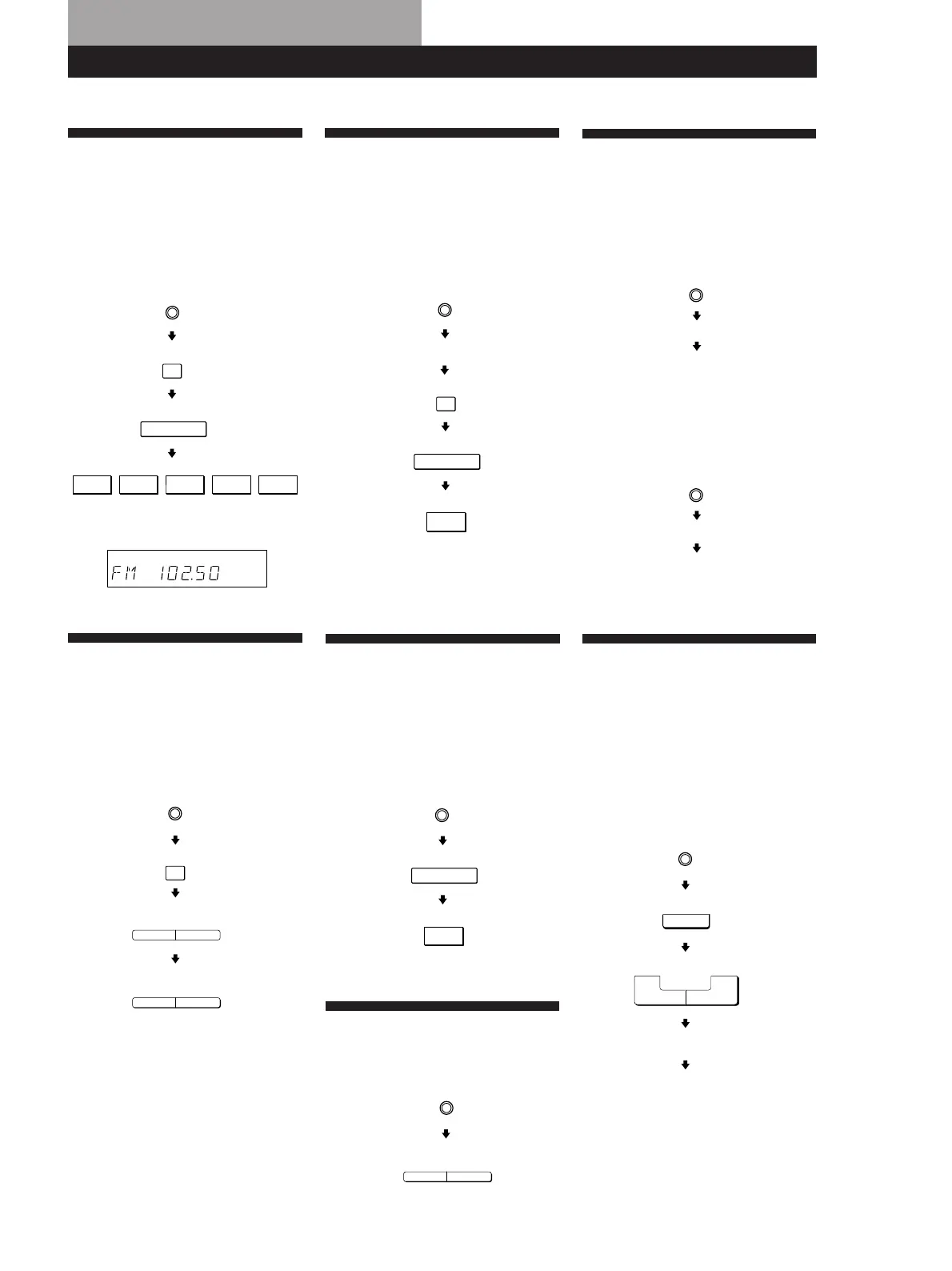
Receiving Broadcasts
(direct tuning)
Example: Receiving FM
102.50 MHz
Presetting Radio
Stations
Example: Presetting a
station as A7
Selecting a
Component
Example 1:Playing a CD
Example 2:Watching a video
tape
Quick Reference Guide
Display
MHz
Using Pre-programmed
Sound Fields
Example: Watching the
video tape of a
Dolby Surround-
encoded movie
Receiving Preset
Stations
Example: Receiving the
station number A7
Scanning Radio
Stations
(automatic tuning)
Example: Scanning FM
stations
Scanning Preset
Stations
Turn on the CD player.
Start playing.
Turn on the VCR.
Start playing.
CD
VIDEO
Select FM.
10 250
TUNER
FM
DIRECT
Select A.
Tune in the station you want.
TUNER
MEMORY
SHIFT
7
Select FM.
To continue
scanning.
TUNING
—+
TUNING
—+
FM
TUNER
TUNER
Select A.
SHIFT
7
PRESET
TUNING
+
TUNER
VIDEO
Select
C.STUDIO
SOUND FIELD
SOUND FIELD
ON/OFF
MODE
+
MODE
Turn on the VCR.
Start playing.

Table of Contents

Related product manuals