_[,._
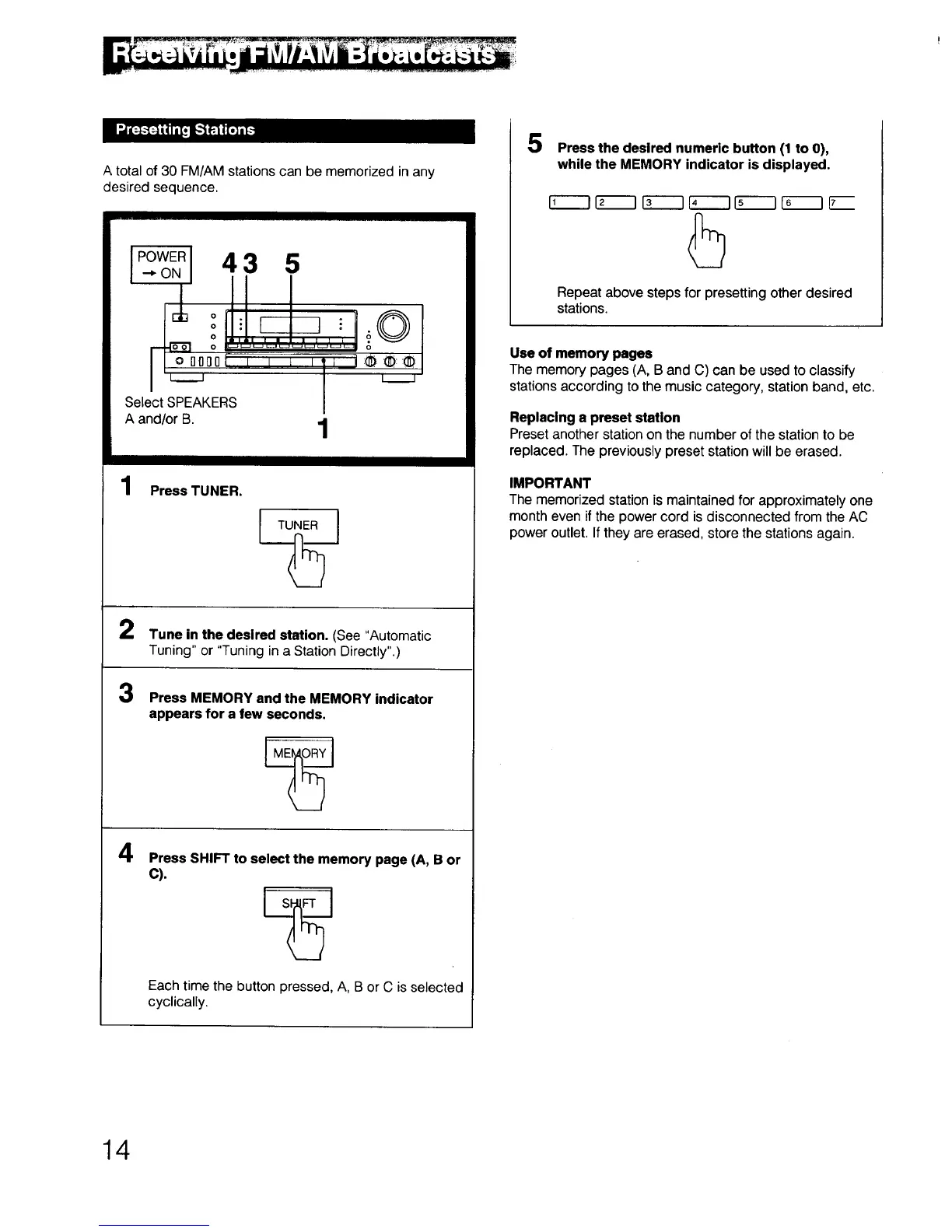
A total of 30 FM/AM stations can be memorized in any
desired sequence.
I POWERI A _ I_
•-,-ON I _t-' 'v "_
Select SPEAKERS I
A and/or B. 1
;©
o
1 Press TUNER.
TUNER J
2
3
Tune in the desired station. (See "Automatic
Tuning" or "Tuning in a Station Directly".)
Press MEMORY and the MEMORY indicator
appears for a few seconds.
4
Press SHIFT to select the memory page (A, B or
C).
Each time the button pressed, A, B or C is selected
cyclically.
5
Press the desired numeric button (1 to 0),
while the MEMORY indicator is displayed.
Repeat above steps for presetting other desired
stations.
Use of memory pages
The memory pages (A, B and C) can be used to classify
stations according to the music category, station band, etc.
Replacing a preset station
Preset another station on the number of the station to be
replaced. The previously preset station will be erased.
IMPORTANT
The memorized station is maintained for approximately one
month even if the power cord is disconnected from the AC
power outlet. If they are erased, store the stations again.
14



 To Next Page