49
Receiving Broadcasts
PHONES
SPEAKERS
A
OFF
A+B
B
MEMORY – + – + A.F.D
FM/ AM TUNER PRESET
0
10
MULTI CHANNEL DECODING
OPEN/
CLOSE
MASTER VOLUME
1
9
8
7
2
3
6
5
4
AUDIO SPLIT DIGITAL / ANALOG
1 / u
+
ENTER
EQ SURR LEVEL
TUNER CUSTOM SET UP
VIDEOS-VIDEO
L AUDIO R
TUNER
MEMORY
FM/AM
TUNER
PRESET +/–
–
ENTER
2 CH ANALOG DIRECT EQ BANK 5.1CH INPUT
SOUND FIELD PRESET SOUND FIELD
INPUT
SELECTOR
– +
MODE
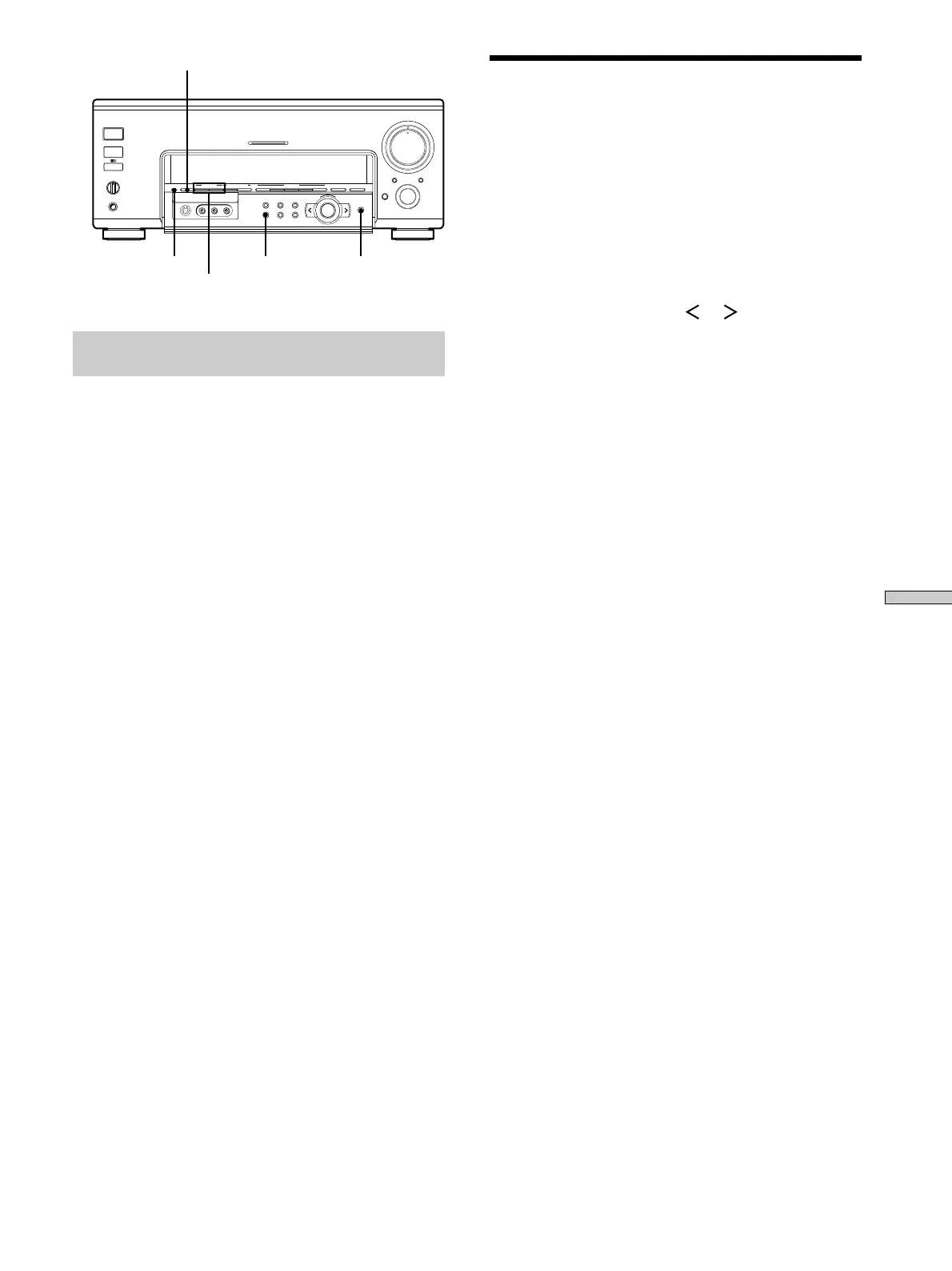
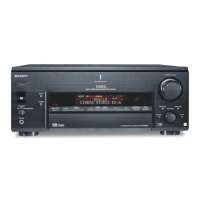
Brief descriptions of buttons used to
receive broadcasts
TUNER PRESET +/–: Press to scan all available radio
stations and to scan all preset radio stations.
FM/AM: Press to select the FM or AM band.
MEMORY: Uses for memorizing preset stations.
TUNER: Press to activate the tuner menu.
Tuning scale is:
FM: 50 kHz
AM: U.S.A./Canada models – 10 kHz (to change to 9 kHz, see
page 51.)
Singapore/Malaysia models – 9 kHz
Other models – 9 kHz (to change to 10 kHz, see page 51.)
Automatic/Manual Tuning
For details on the buttons used in this section, see “Brief
descriptions of buttons used to receive broadcasts” on this
page.
1 Press FM/AM to select the FM or AM band.
2 Press TUNER.
The last received station is tuned in.
3 Press the cursor buttons ( or ) to display “TUNE
MODE [AUTO]”.
4 Press TUNER again.
The frequency appears in the display.
5 Turn the jog dial to + or –.
Turn to + to scan from low to high; turn to – to scan
from high to low.
The receiver stops scanning whenever a station is
received.
When the receiver reaches either end of the
band
Scanning is repeated in the same direction.
6 To continue scanning, turn the jog dial to + or –
again.
To perform manual tuning using the jog dial
Press the cursor buttons to display “TUNE MODE [MANUAL]”
in step 3, then press TUNER. You can then use the jog dial to find
the frequency you want.




 To Next Page