35
GB
C:\Documents and
Settings\pc13\Desktop\JC060685_2662257111DG300_GB\2662257111\GB06SEL_STR-DG300-
CEL.fm
masterpage: Right
STR-DG300
2-662-257-11 (1)
Tuner Operations
Presetting radio stations
You can preset up to 30 FM stations and 30
AM stations. Then you can easily tune in the
stations you often listen to.
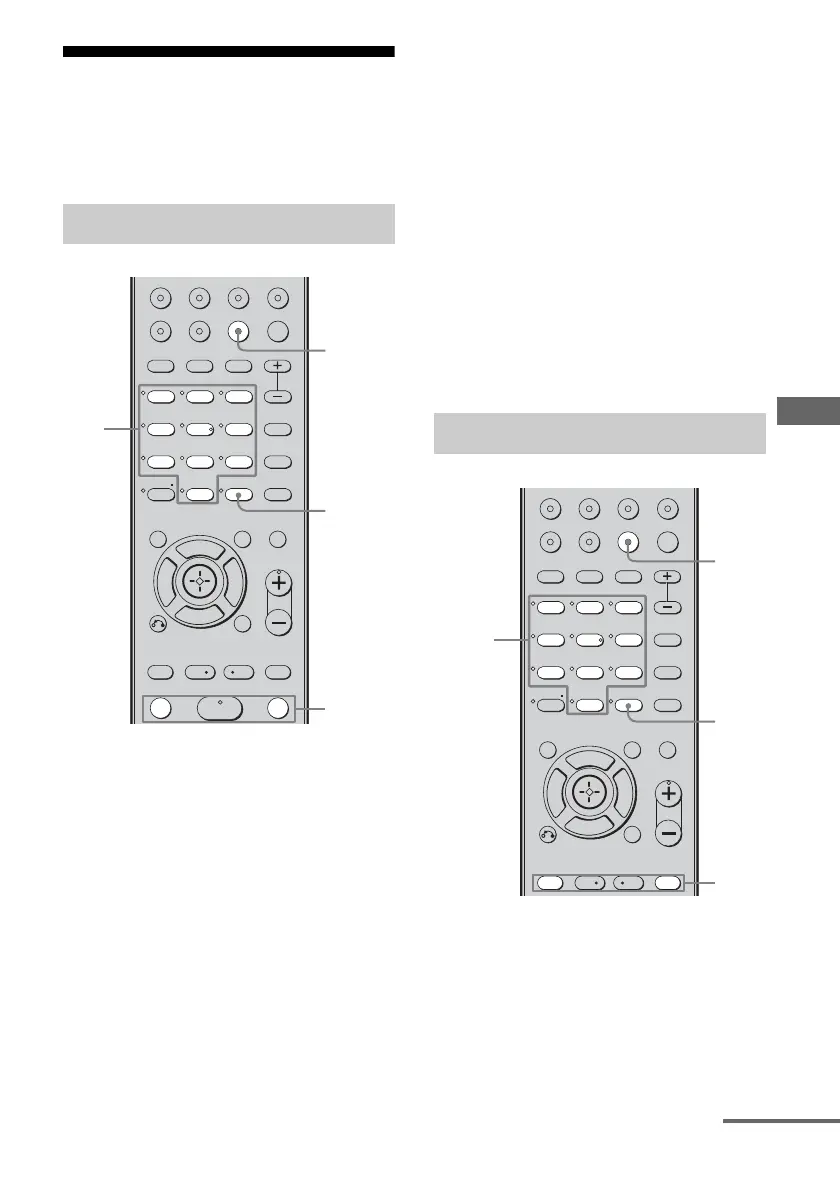
1 Press TUNER repeatedly to
select the FM or AM band.
You can also use INPUT SELECTOR on
the receiver.
2 Tune in the station that you
want to preset using automatic
tuning (page 32) or direct
tuning (page 33).
Switch the FM reception mode, if
necessary (page 33).
3 Press MEMORY.
“MEMORY” lights up for a few seconds.
Perform steps 4 and 5 before “MEMORY”
goes out.
4 Press the numeric buttons to
select a preset number.
You can also press TUNING + or
TUNING – to select a preset number.
If “MEMORY” goes out before you select
the preset number, start again from step 3.
5 Press ENTER.
The station is stored as the selected preset
number.
If “MEMORY” goes out before you press
MEMORY, start again from step 3.
6 Repeat steps 1 to 5 to preset
another station.
1 Press TUNER repeatedly to
select the FM or AM band.
Presetting radio stations
123
46
78
0/10
ENTER
9
VIDEO 1 VIDEO 2
MD/TAPE
SA-CD/CD
VIDEO 3 DVD
A.F.D. MOVIE
RETURN/EXIT
TV CH –
PRESET –
TV CH +
PRESET +
TUNING – TUNING +
REPLAY ADVANCE
MENU
MUSIC LEVEL
SUB WOOFER
MEMORY DVD MENU
CLEAR
TOOLSDISPLAY
MUTING
TV VOL
MASTER VOL
FM MODE
D.TUNING
D.SKIP
TUNER
AMP MENU
>10/
-
F
Gg
f
.
HmM
<
<
>
5
1
3,5
TUNING
+/–
4
Tuning to preset stations
123
46
78
0/10
ENTER
9
VIDEO 1 VIDEO 2
MD/TAPE
SA-CD/CD
VIDEO 3 DVD
A.F.D. MOVIE
RETURN/EXIT
TV CH –
PRESET –
TV CH +
PRESET +
REPLAY ADVANCE
MENU
MUSIC LEVEL
SUB WOOFER
MEMORY DVD MENU
CLEAR
TOOLSDISPLAY
MUTING
TV VOL
MASTER VOL
FM MODE
D.TUNING
D.SKIP
TUNER
AMP MENU
>10/
-
F
Gg
f
.
<
<
>
5
2
1
ENTER
Numeric
buttons
continued
GB01COV_STR-DG300-CEL.book Page 35 Monday, May 22, 2006 7:39 AM



 To Next Page