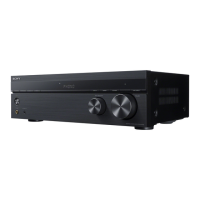
STR-DH130
8
[DESTINATION WRITE MODE]
* Write the set destination when the destination is “UNKNOWN”.
This mode can be performed once only.
* Procedure:
1. Press the [
?/1
] button to turn on the main power.
2. Press the [FM MODE] and [DISPLAY] buttons
simultaneously.
3. “DEST XXX” appears and turns [INPUT SELECTOR] to
select the required destination.
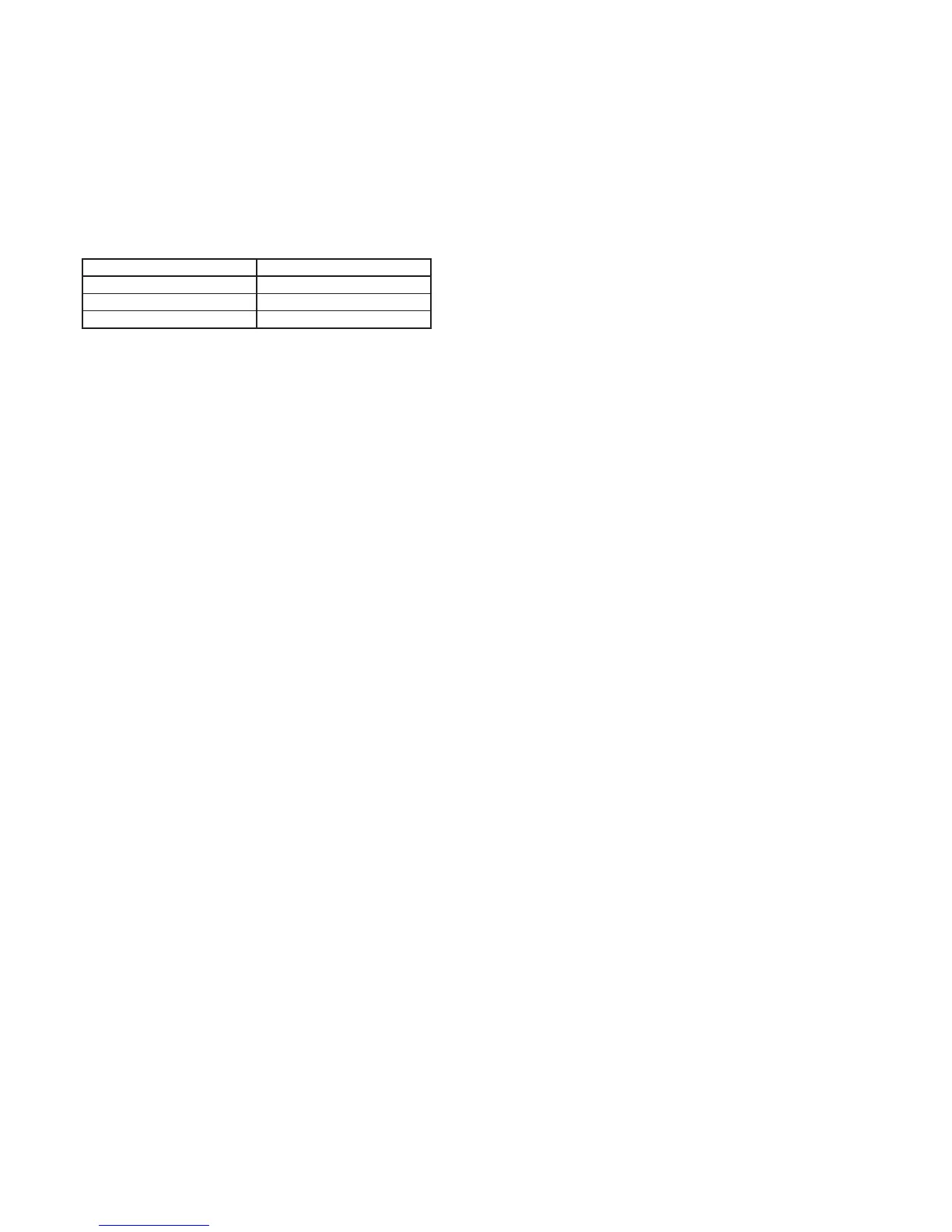
Selection Destination
DEST U2 U.S.A
DEST CEL Europe
DEST CA2 CANADA
4. Press [MEMORY/ENTER] button to save the destination.
5. “CLEARING” and “CLEARED” appear and the set will
switch on.
6. Perform [SOFTWARE VERSION DISPLAY MODE] to
confi rm the written destination.


 To Next Page