49
GB
Enjoying Surround Sound
Listening to the sound
without any adjustment
(ANALOG DIRECT)
You can switch the audio of the selected input
to two channel analog input. This function
enables you to enjoy high quality analog
sources.
When using this function, only the volume and
front speaker balance can be adjusted.
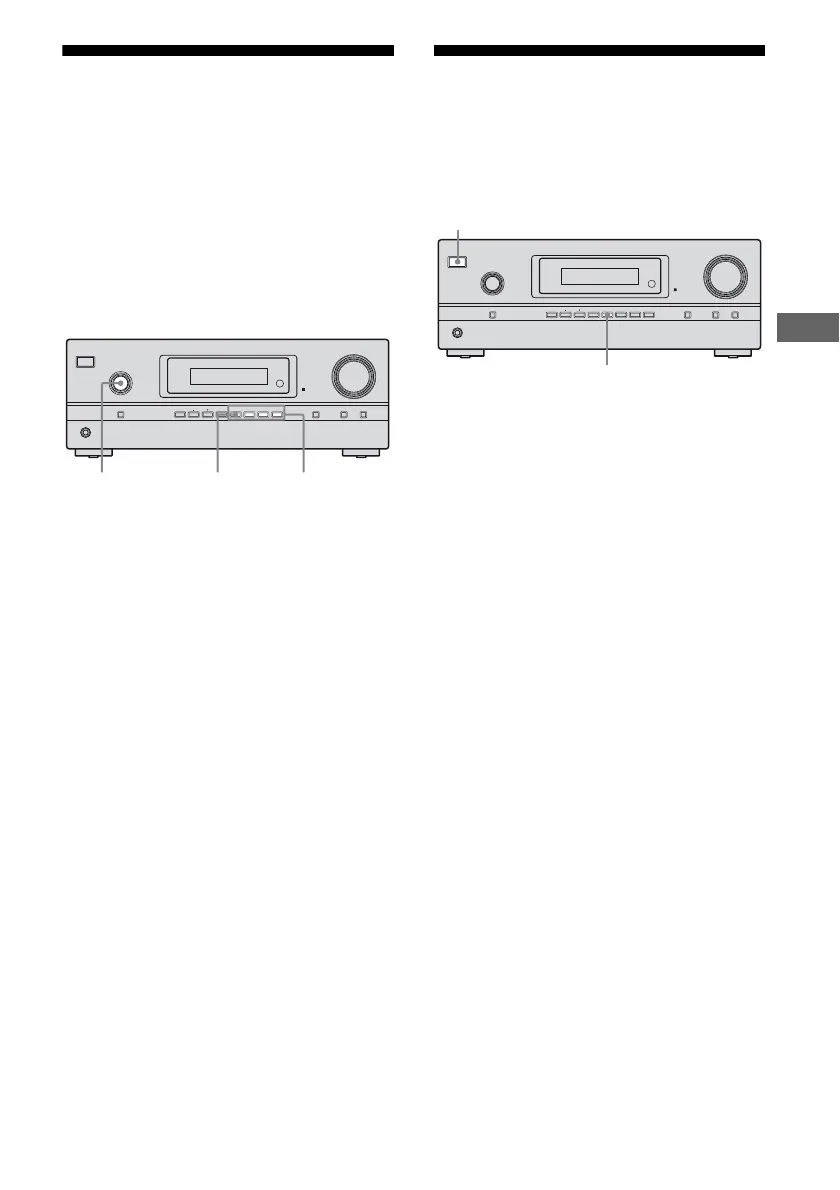
1 Turn INPUT SELECTOR on the
receiver to select the input you
want to listen to in analog
audio.
You can also use the input buttons on the
remote.
2 Press 2CH/A.DIRECT
repeatedly to select
“A. DIRECT”.
The analog audio is output.
To cancel ANALOG DIRECT
Press 2CH/A.DIRECT on the receiver again.
You can also press any sound field buttons.
Notes
• When headphones are connected, “HP DIR”
appears on the display.
• You cannot select ANALOG DIRECT when you
select BD, DVD and DMPORT as input.
Resetting sound fields to
the initial settings
Be sure to use the buttons on the receiver for
this operation.
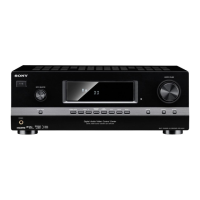
1 Press ?/1 to turn off the power.
2 While holding down 2CH/
A.DIRECT, press ?/1.
“S.F. CLR.” appears on the display and
all sound fields are reset to their initial
setting.
?/1
PHONES
INPUT SELECTOR
INPUT MODE TUNING MODE
MASTER VOLUME
DISPLAY DIMMER MUTING
MEMORY/
ENTER
2CH/
A.DIRECT
A.F.D. MOVIE MUSICTUNING
INPUT
SELECTOR
2CH/
A.DIRECT
Sound field
buttons
?/1
PHONES
INPUT SELECTOR
INPUT MODE TUNING MODE
MASTER VOLUME
DISPLAY DIMMER MUTING
MEMORY/
ENTER
2CH/
A.DIRECT
A.F.D. MOVIE MUSICTUNING
?/1
2CH/A.DIRECT



 To Next Page