Instantaneous tape stop
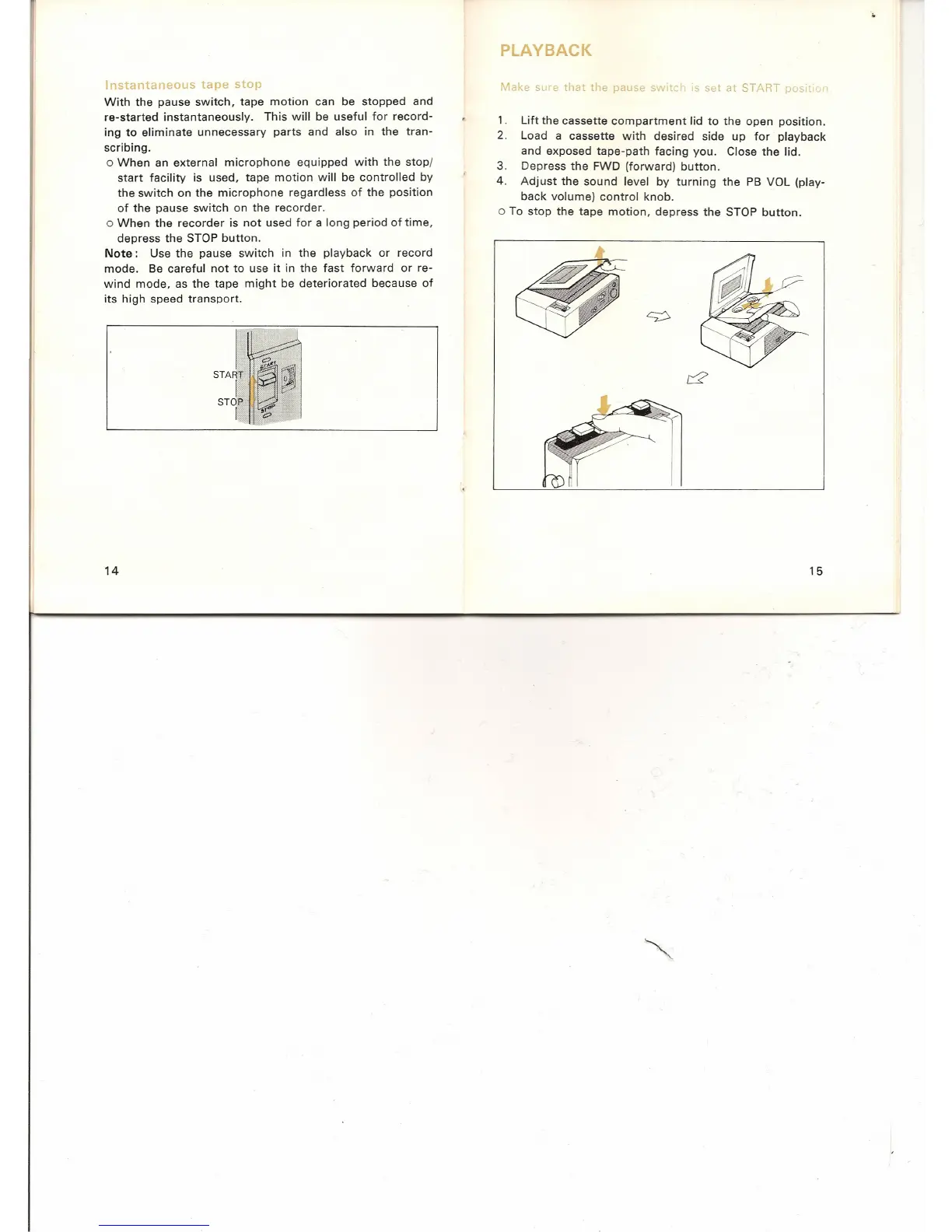
With the pause switch, tape motion can be stopped and
re-started instantaneously. This will be useful for record-
ing to eliminate unnecessary parts and also in the tran-
scribing.
o When an external microphone equipped with the stop/
start facility is used, tape motion will be controlled by
the switch on the microphone regardless of the position
of the pause switch on the recorder.
o When the recorder is not used for a long period of time,
depress the STOP button.
Note:
Use the pause switch in the playback or record
mode. Be careful not to use it in the fast forward or re-
wind mode, as the tape might be deteriorated because of
its high speed transport.
14
I
START
I .
STOP
I
PLAYBACK
Make sure that the pause switch is set at START position
1. Lift the cassette compartment lid to the open position.
2. Load a cassette with desired side up for playback
and exposed tape-path facing you. Close the lid.
3. Depress the FWD (forward) button.
4. Adjust the sound level by turning the PB VOL (play-
back volume) control knob.
o To stop the tape motion, depress the STOP button.
15


 To Next Page