13
MENU
KV-25FS150/KV-29FS150
2-898-781-21(1)
Using the Parental Control Menu
Select one of the following options:
FM Radio Setup
Preset up to nine FM radio stations.
You can manually preset FM radio stations that can be received in your area and
then store the radio frequency of the desired FM radio stations.
1 Press V or v to select the desired FM radio station position, then press .
2 Press V or v to search the FM radio stations. Searching stops automatically
when a station is tune in. If the station has a weak signal, press B or b to fine
tune the radio frequency manually, then press to store the FM radio station.
3 You may edit the FM radio station label. Press V or v to select alphanumeric
characters for the label, then press .
4 Repeat steps 1 trough 3 to preset other FM radio stations.
Channel Block Off: Gives access to the blocked channel you have selected.
Custom: Allows you to block or permit access to channels.
Change
Password
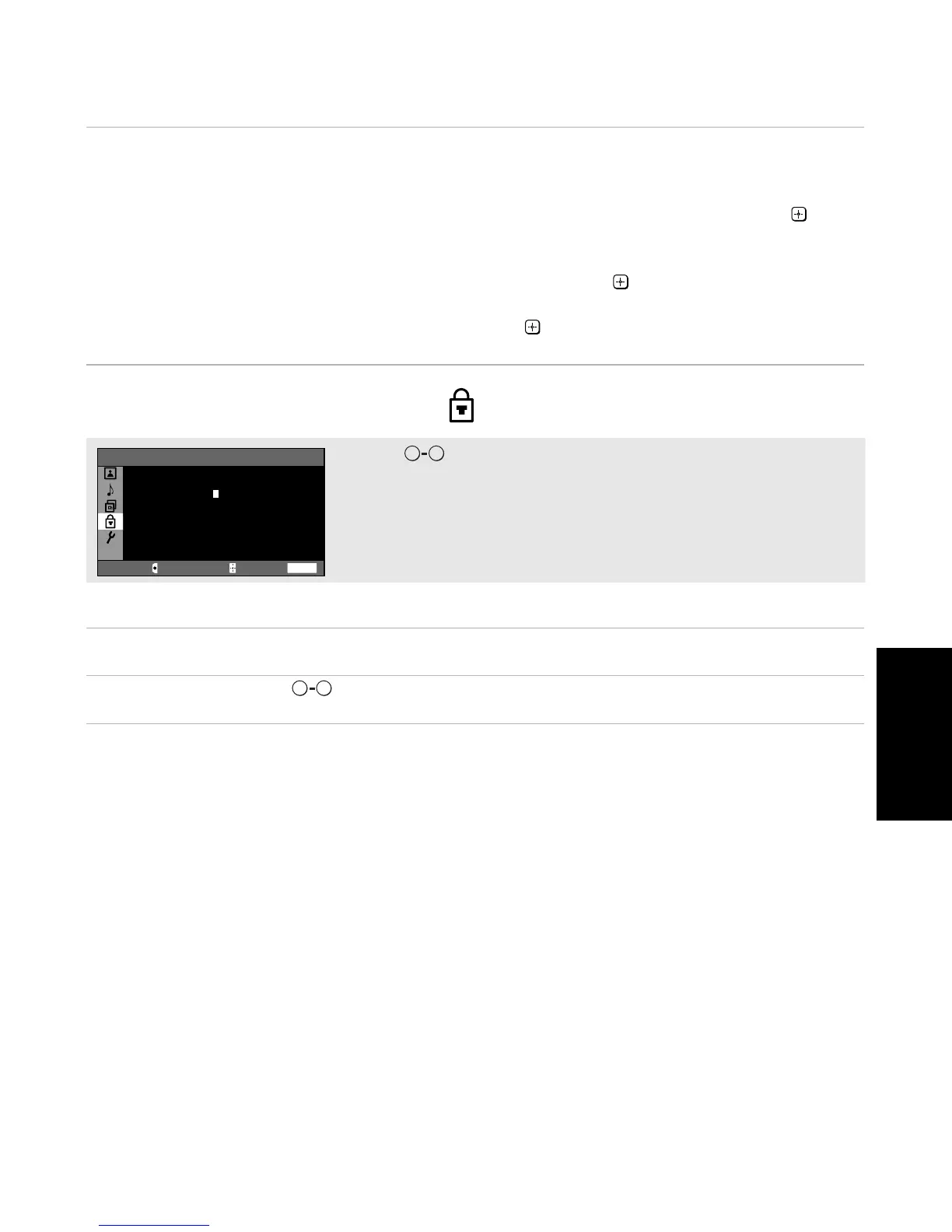
Use the buttons to create a new 4-digit password.
Use the buttons to enter a 4-digit password.
0 9
WEGA GATE
Parental Control
Password:
----
Use [0-9] buttons to enter
new password
Move Select End
0 9



 To Next Page