14
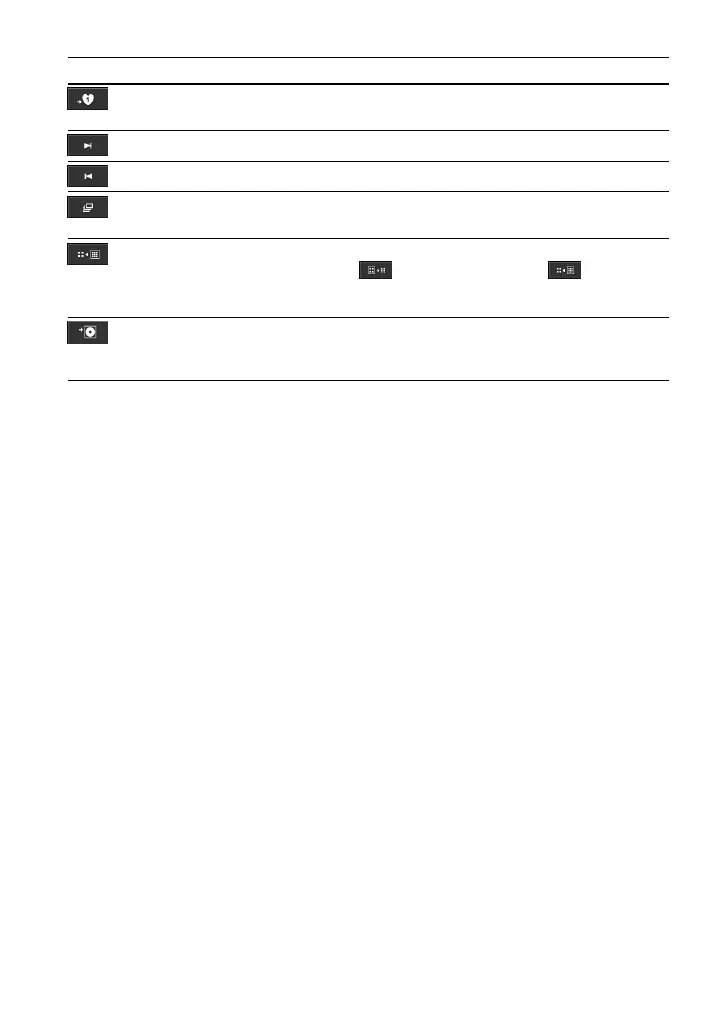
Button Function Remarks
Add the currently playing song
to playlist
Show the next image
Show the previous image
Start slide show
Switch display mode
Assign as jacket image (album
cover) to the currently playing
song
To stop a slide show, press any button on the G-sense
pad.
There are two display modes: Speed Priority Mode
(
) and High Quality Mode ( ). The Speed
Priority Mode enables quick displaying of large images
copied from a digital camera.
An image assigned to a song is displayed next to the
album name.




 To Next Page