Operation
17
4 Play the song.
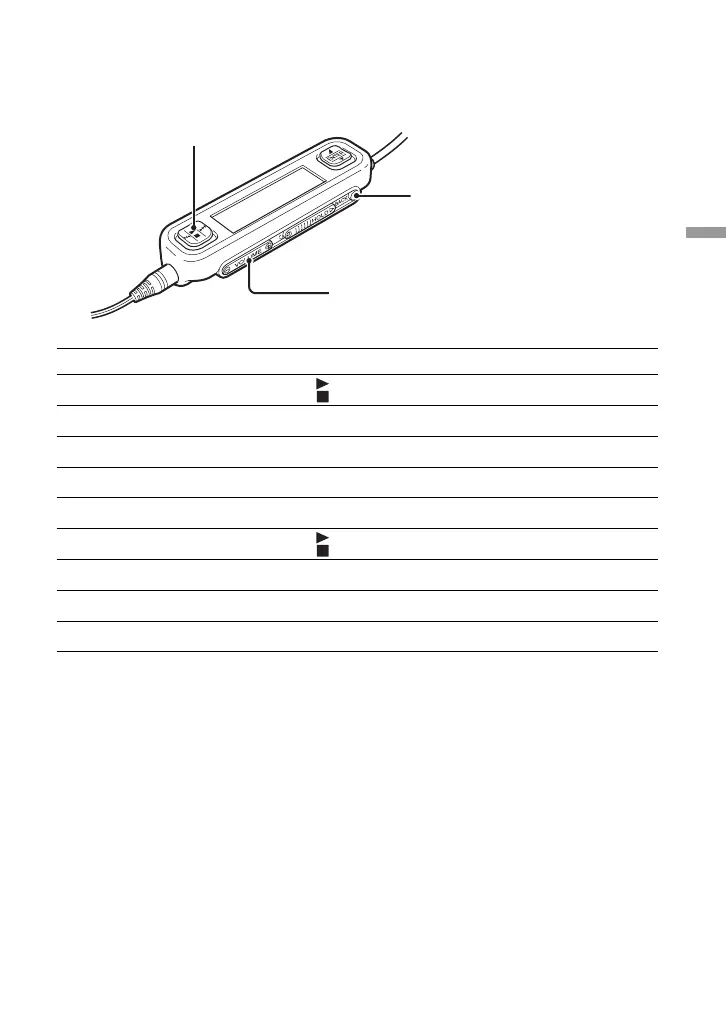
The basic operation button and the volume button work as follows:
Operation Button action (on remote control)
Start playback Press on the basic operation button
Jump to start of current song Press . on the basic operation button
Jump to start of next song Press > on the basic operation button
Rewind Hold down . on the basic operation button
Fast forward Hold down > on the basic operation button
Stop playback Press on the basic operation button
Raise volume Press “+” side of volume button
Lower volume Press “–” side of volume button
Move up one menu level Press the BACK button
Volume button
Basic operation button
BACK button


 To Next Page
 Loading...