35
nN
Using Your VAIO Computer >
Using Special-function Buttons
Using Special-function Buttons
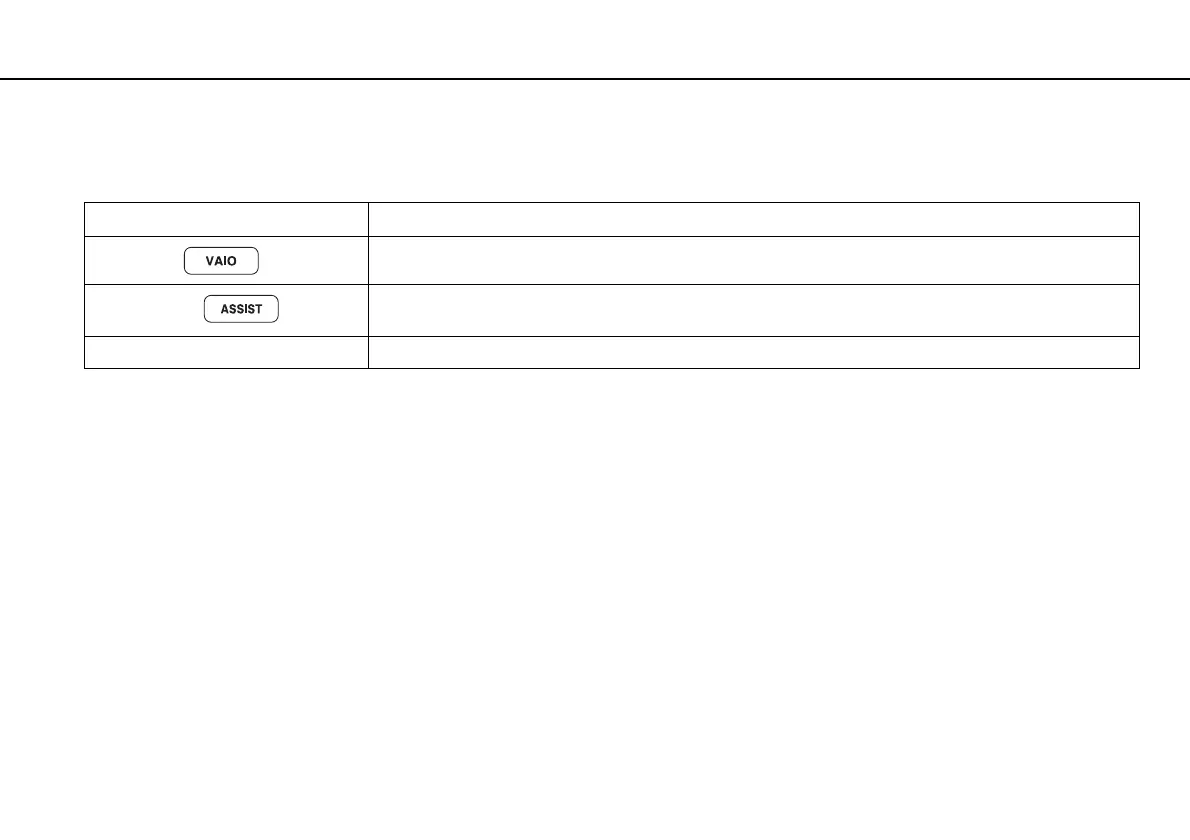
Your computer is equipped with special buttons to help you use specific functions of the computer.
Special-function button Functions
VAIO button
Launches the Media Gallery or turns the volume on and off, depending on your model.
ASSIST button
Launches the VAIO Care while the computer is in Normal mode or Sleep mode.
While the computer is off or in Hibernate mode, the ASSIST button launches the VAIO Recovery Center.
Z Drive eject button Ejects the drive tray.










 To Next Page