65
nN
Using Your VAIO Computer >
Using the Wireless WAN
Inserting a SIM Card
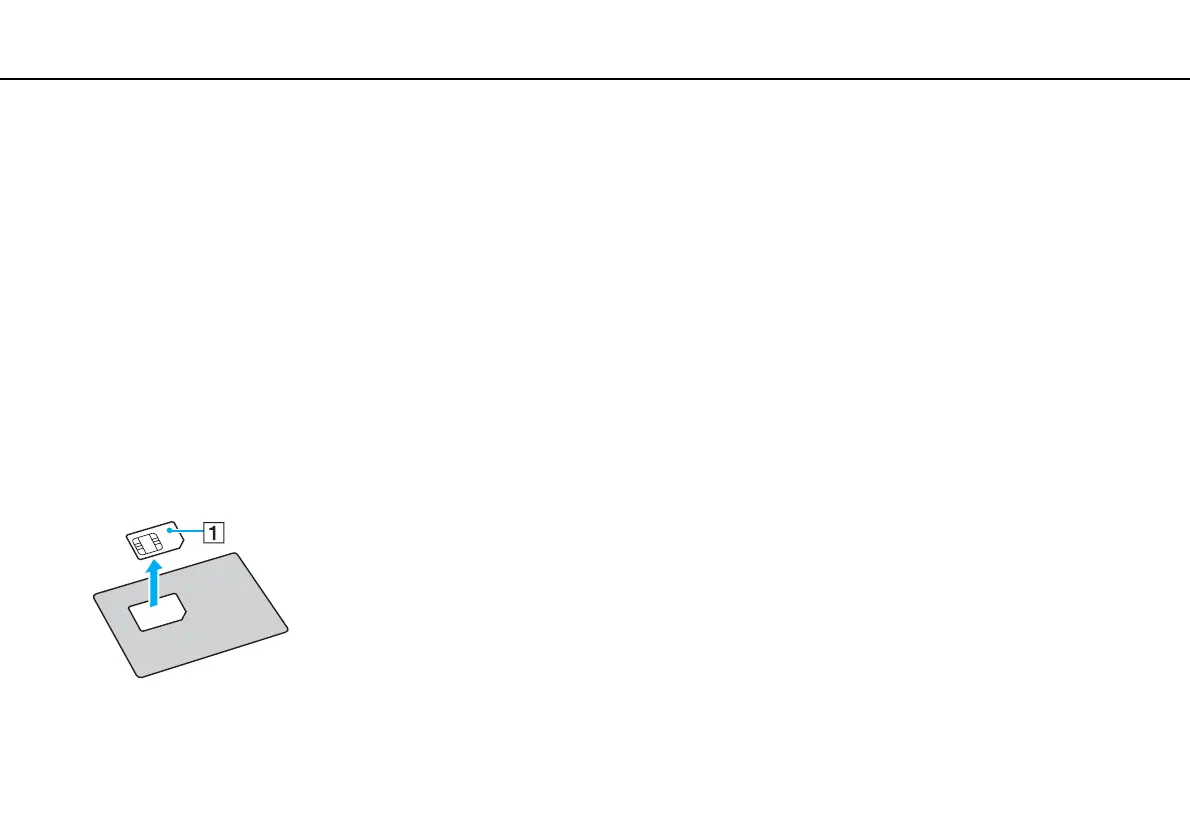
To use the wireless WAN function, you first need to insert a SIM card into the SIM card slot on your computer. Your SIM card
is contained within a base plate, about the size of a credit card.
✍
Depending on your country and model, you might receive an offer from the VAIO selected telecom operator. In that case the SIM card is either in the
operator SIM pack inside the carton box or already inserted in the SIM card slot. If the SIM card is not provided with your computer, you can purchase
one from your preferred telecom operator.
To insert a SIM card
1 Turn off your computer.
2 Remove the battery pack from the computer.
✍
For detailed instructions, see To remove the battery pack (page 20).
3 Remove the SIM card (1) by pushing it out from the base plate.










 To Next Page