88
nN
Using Peripheral Devices >
Connecting a Docking Station
To disconnect your computer from the docking station
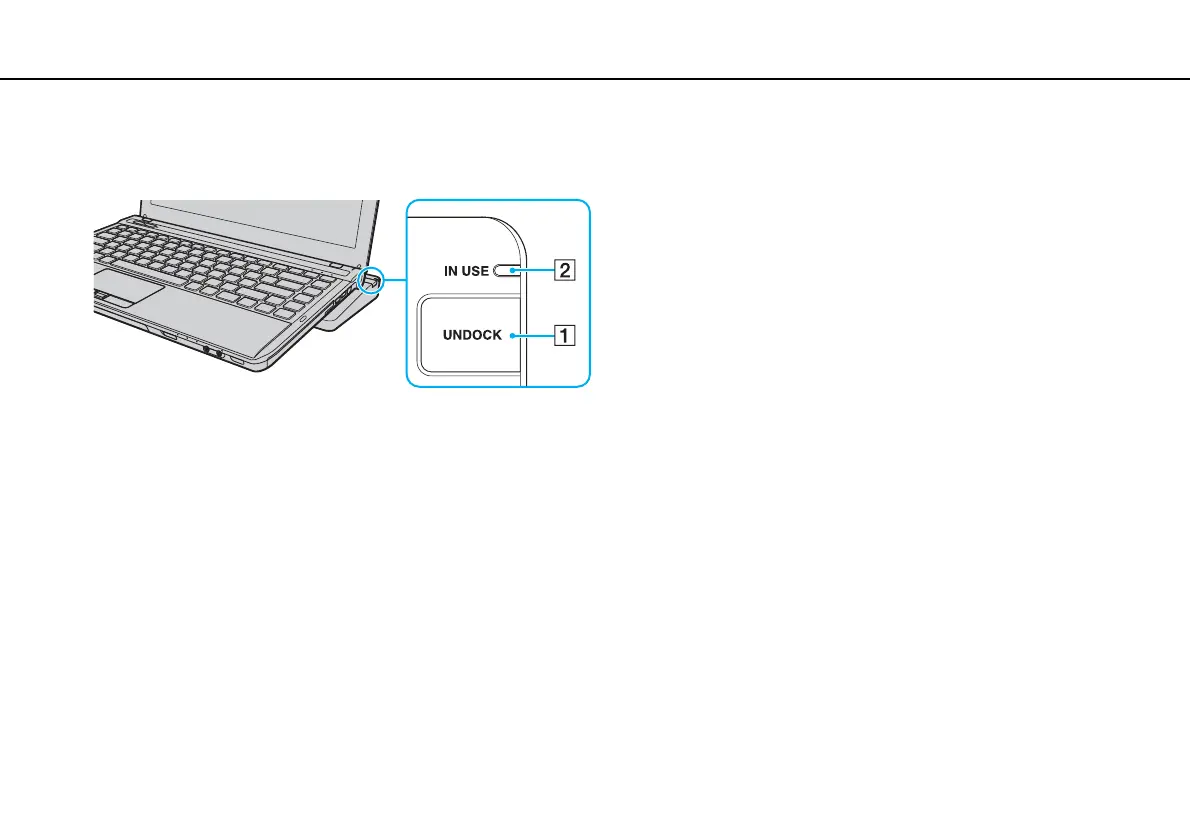
1 Press the UNDOCK button (1) and wait until the IN USE indicator light (2) turns off.
✍
If the IN USE indicator is unlit, you do not have to press the UNDOCK button.
Pressing the UNDOCK button while your computer is in a power saving mode brings the computer to Normal mode first, and then initiates the
disconnection process.
!
Once you have placed your computer back in Normal mode, be sure to take your computer off the docking station. Use of the computer while on the
docking station may cause unstable operations.










 To Next Page