9
VPL-ES3/EX3/ES4/EX4/EX5/EX50/EX5U/EW5
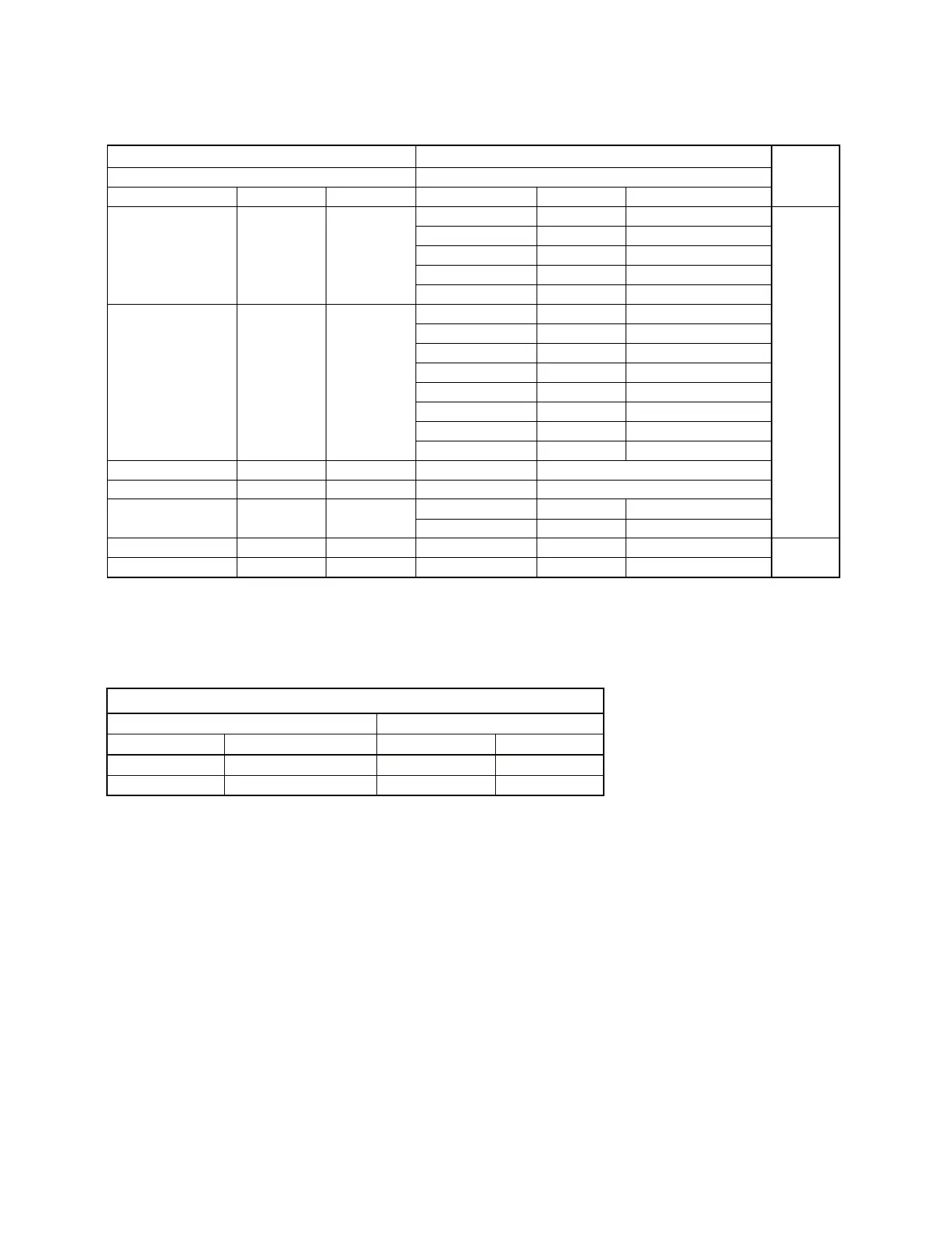
<Table 1> <Table 2>
Item Number Data
Remarks
Item name
Upper byte Lower byte
Item name
Upper byte Lower byte
Status Error 01h 01h
No Error 00h 00h Get
Lamp Error 00h 01h
Fan Error 00h 02h
Cover Error 00h 04h
Temp Error 00h 08h
Status Power 01h 02h
Stanby 00h 00h
Start Up Lamp 00h 02h
Power On 00h 03h
Cooling1 00h 04h
Cooling2 00h 05h
Saving Cooling1 00h 06h
Saving Cooling2 00h 07h
Saving Stanby 00h 08h
Lamp Timer 01h 13h Lamp Use Time
0000h - FFFFh
ROM Version 01h 1Dh
MAIN ROM Version
0000h - FFFFh
Status Security 01h 1Fh
Disable 00h 00h
Enable 00h 01h
Sircs (15 Bit Category)
17h _
00h
Sircs (20 Bit Category)
19h
Refer to table 4
Refer to table 5
_
00h
00h
00h
Set only
*4
*1
*2
*3
<Table 3>
Item Number Data
IItem Data Upper byte Lower byt
ACK _ 00h 00h
NAK Select Error 01h 05h
When sending a command, wait for at least 50 ms after the reception of response.
No response may be returned when turning on the power.
*1 Example) In case the lamp timer indicates 1000H, return values are [03h] upper byte and [E8h] lowerbyte.
*2 Example) In case the software version is 1.03, return values are [01h] upper byte and [03h] lowerbyte.
*3 With the unit in which the security lock is set, whether the password input screen is displayed can be checked after the power turns on. When the password
input screen is being displayed, return values are [00h] upper byte and [01h] lower byte.
*4 It is corresponded to single command only.
*5 Valid only for VPL-EX4.



 To Next Page