32
3D Glasses
Bri’ness
For adjusting the brightness of the picture when watching 3D video
images.
You can select the brightness from among “High,” “Medium,” and
“Low.”
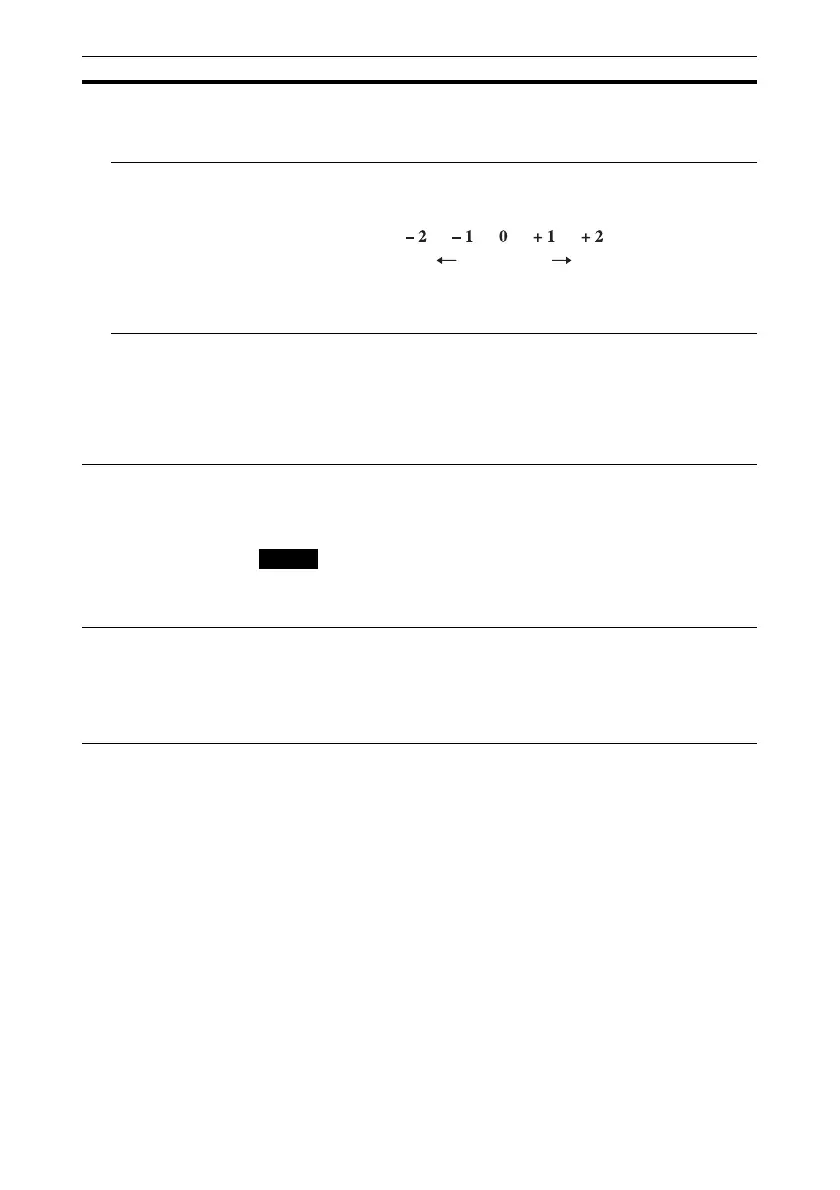
3D Depth Adjust For adjusting the depth of the 3D video images on the screen. The
setting can be made only when a 3D Format other than “Simulated 3D”
is selected.
We recommend that “3D Depth Adjust” be set to “0.” The 3D video
images may be difficult to perceive, depending on the setting of “3D
Depth Adjust.”
Simulated 3D
Effect
For adjusting the 3D effect when 2D content is converted to 3D video
images. You can select the effect from among “High,” “Middle,” and
“Low.”
Tip
There are differences in perception of 3D video images converted by the
simulated 3D function among individuals.
Dynamic Range Sets the video input level for HDMI 1 and HDMI 2 connectors.
Auto: Sets the video input level automatically.
Limited: The video input level is set for signals of 16-235.
Full: The video input level is set for signals of 0-255.
If the video output setting of the connected HDMI device is not set
correctly, light and dark parts of the video may appear too light or too
dark.
Settings Lock Locks menu item settings to prevent operational error (page 33).
Off: Cancels the Settings Lock.
Level A: Group 1 items (below) are not displayed on the menu, and are
not available.
Level B: Group 1 and Group 2 items (below) are not displayed on the
menus, and are not available.
Setting items Description
Depth
NormalFront Depth
Note


 To Next Page