39
Once you make the network settings,
you can open the Control window only
by performing step 3 of this procedure.
Operating the
Control Window
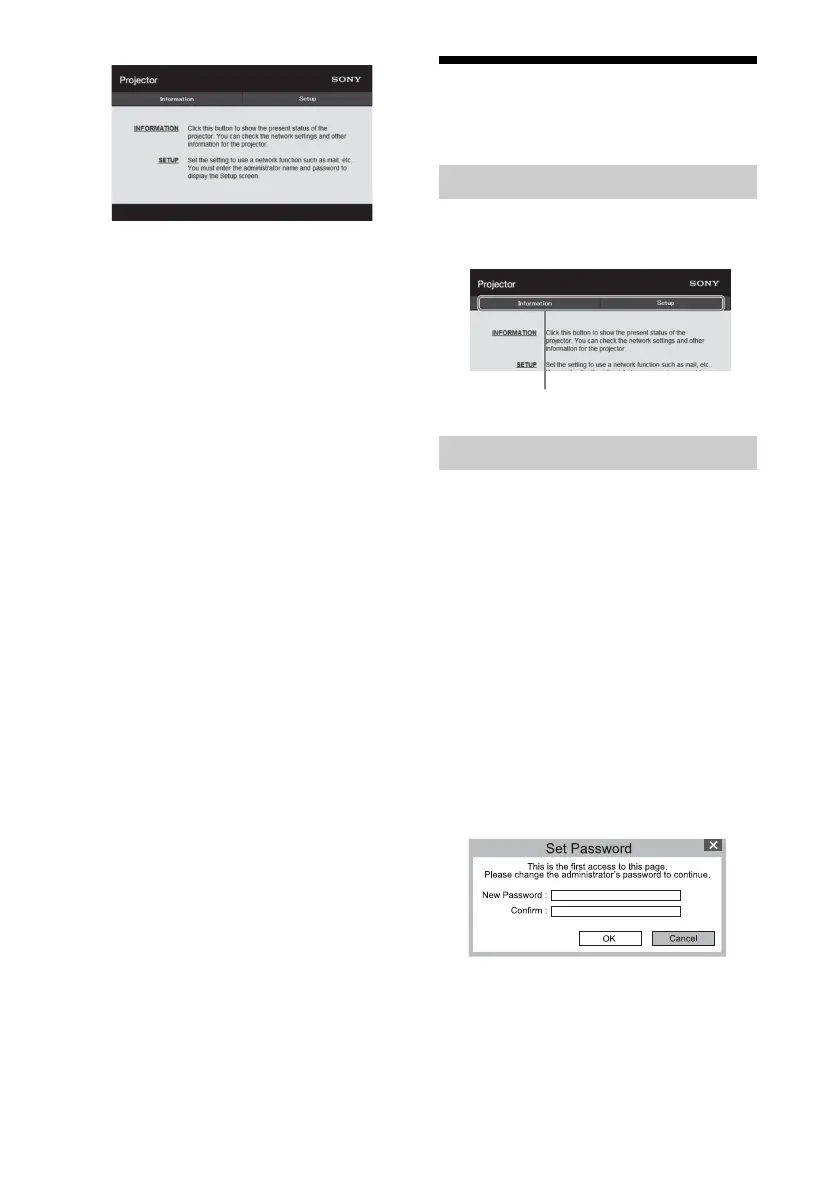
Click one of the Page Switching buttons to
display the desired setting page.
You can limit a user for accessing any
particular page.
Administrator: Allowed access to all
pages
User: Allowed access to all pages
except the Setup page
When you access the Setup page for the first
time, input “root” as the user name and
“Projector” as the password in the
authentication dialog.
When you log in for the first time, the
window that prompts you to change the
password is displayed. Follow the
instructions on the screen to change the
password.
The name of the administrator is preset to
“root.”
Switching the Page
Setting the Access Limitation
Page Switching buttons



 To Next Page