12
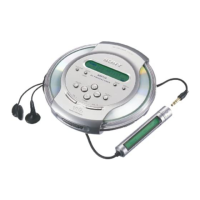
Display (CD player)
For details, see the pages in parentheses.
1
2
3
4
56 7 8
1 Character information display (16)
While playing an audio CD, disc name,
track name, etc. appear in 4 lines, if
recorded on the CD.
While playing an ATRAC CD/MP3 CD,
group name, file name, etc. appear in 4
lines, if recorded on the CD.
Menu items also appear in this display.
2 Atrac3plus/Atrac3/MP3 indication
3 Disc indication
Lights up while the CD player is playing.
4 Battery indication (32)
Roughly shows the remaining power of
the battery. If “ ” flashes, the battery
is depleted.
5 Play list indication
For MP3 CD only
6 Group indication
For ATRAC CD/MP3 CD only
7 Play mode indication
Shows various play modes such as single
play, shuffle play and program play. “ ”
shows repeat play.
8 SOUND indication
Shows the SOUND setting which has
been selected on the menu.



 To Next Page
 Loading...