Charging case
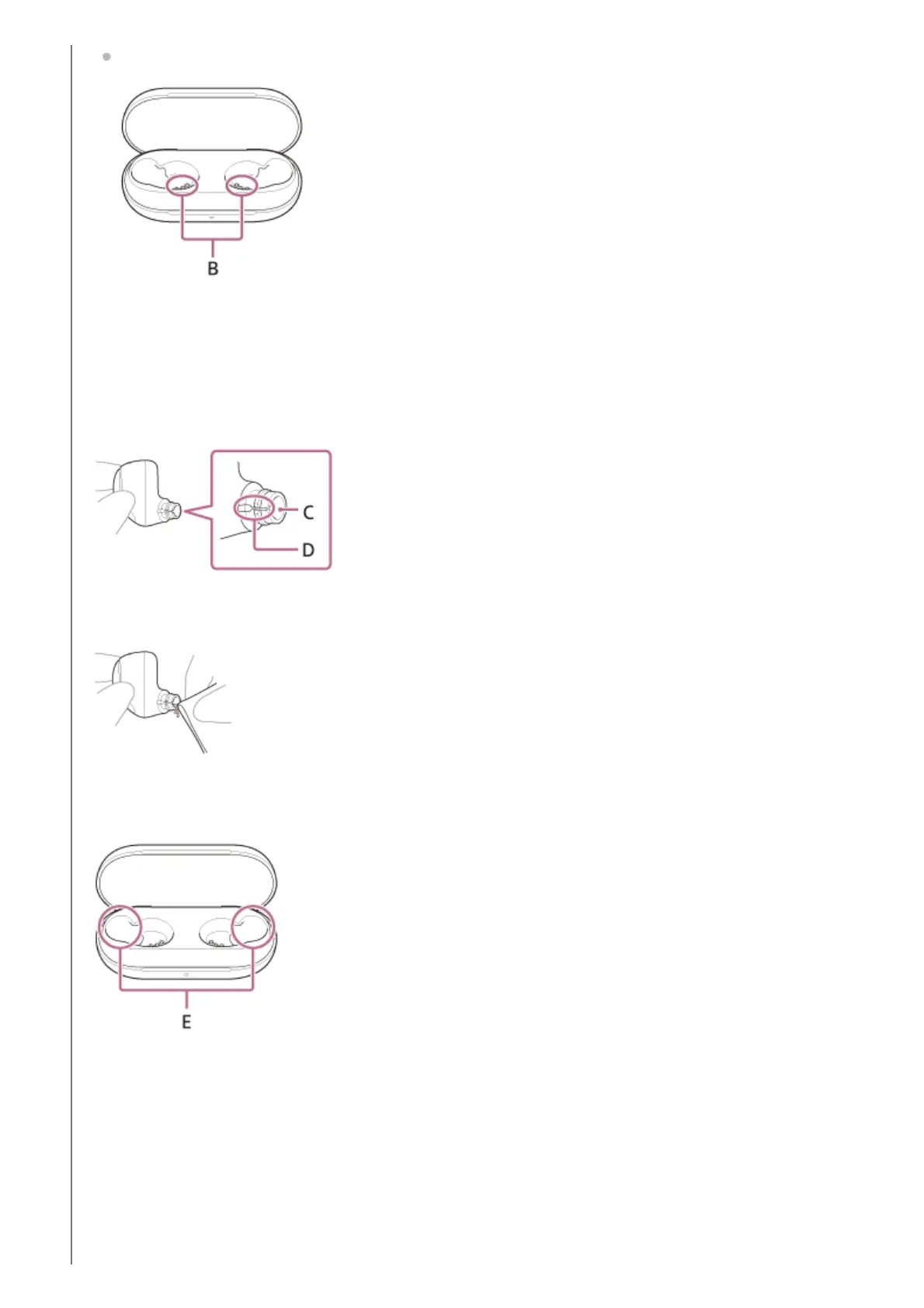
B: Charging ports of the charging case (left, right)
Cleaning of the sound output holes
Wipe off any dirt such as earwax in the sound output hole or groove of the headset unit with a cloth that has been
moistened with water and wrung out tightly.
Remove the dirt so that it does not push into the headset unit deeply.
C: Sound output hole
D: Groove
Cleaning the recesses of the charging case
Clean the recesses where the earbud tips fit with a cotton swab, etc.
E: Recesses of the charging case (left, right)
Drying the headset
After cleaning is complete, leave the headset to dry thoroughly in room temperature.



 To Next Page