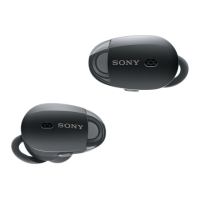
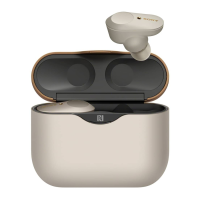
WF-SP800N
5
Sony CONFIDENTIAL
For Authorized Servicer
SERIAL NUMBER CHECKING METHOD
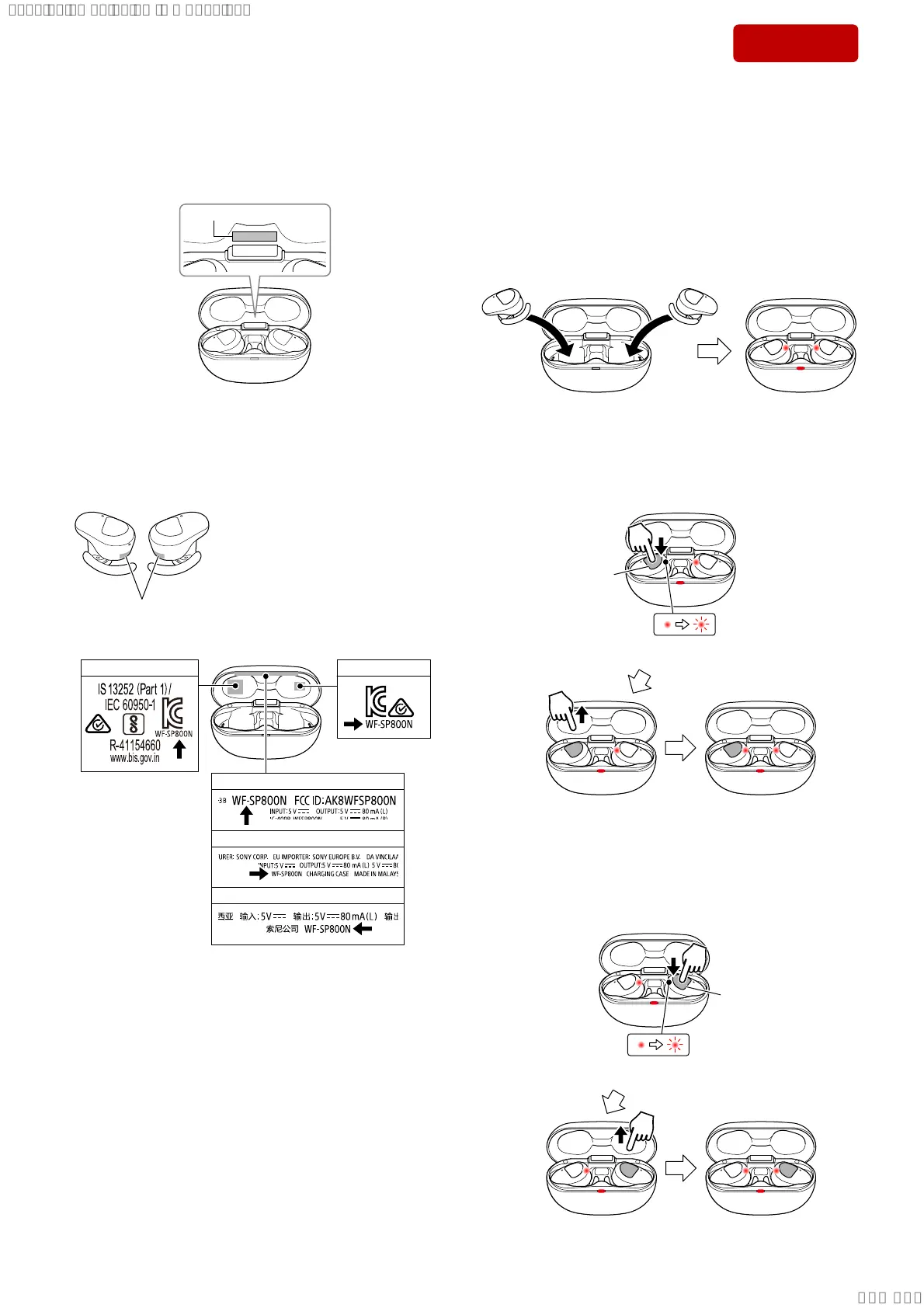
The serial number is engraved on the inside of the charging case lid.
Note 1: Serial numbers are not written on the left and right headset.
Note 2: If the charging case is replaced with a new part, the serial number
will change.
Serial number
ABOUT THE EACH UNIT MODEL NAME
The model name of each unit is written as “WF-SP800N” in the
position shown in the fi gure below.
Note: There are no individual model names for the left and right headset or
charging case.
Charging case
Headset
WF-SP800N
L
E, AUS, JE
US, CND, LA
CH
R
AEP, UK
IND
RESETTING METHOD
If this unit does not operate properly, perform the reset.
Note 1: Even if this work is performed, device pairing information is not
deleted. Also, other settings are retained.
Resetting procedure:
1. Attach the left and right headset to the charging case.
Note 2: If all indicators do not turn on, remove the left and right headset
from the charging case and put it in the charging case again. All
indicators lighting in red.
LR
2. Touch and hold the touch sensor control panel on the left side
headset for about 20 seconds, and the indicator of left side head-
set changes from lighting in red to fl ashing in red, then check the
indicator is light off and the then release your fi nger. (After the
light off , it lighting in red)
Lighting in redLight off: Release your finger
L
touch sensor
control panel
/LJKWLQJLQUHGĺ)ODVKLQJLQUHG
Continue to touch and hold
3. Touch and hold the touch sensor control panel on the right side
headset for about 20 seconds, and the indicator of right side
headset changes from lighting in red to fl ashing in red, then
check the indicator is light off and the then release your fi nger.
(After the light off , it lighting in red)
Lighting in red
R
Light off: Release your finger
touch sensor
control panel
/LJKWLQJLQUHGĺ)ODVKLQJLQUHG
Continue to touch and hold
4. The reset is complete.
Ver. 1.1
SYSSET
2021/04/1700:55:12(GMT+09:00)


 To Next Page