To disconnect the player from the smartphone
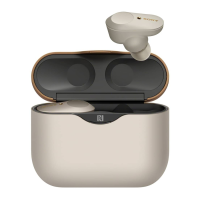
While the player is outside of the charging case and the power is on, touch the N-mark on the smartphone (
) to the N-
mark on the charging case (
) again.
When you disconnect the player from a smartphone by touching the devices together, the player switches to the Player
Mode.
Hint
If you cannot connect the player to the smartphone, try the following:
If the screen of the smartphone is locked, unlock the screen.
Move the smartphone slowly over the N-Mark on the charging case (
).
If the smartphone is inside a case, take it out of the case.
If you turn off the player while the Bluetooth function is active, the Bluetooth function will turn on automatically the next time you
turn on the player.
Related Topic
Turning the power on or off
Turning the Bluetooth function on or off
Notes on the Bluetooth function
Confirming statuses from the lamps on the player
4-740-674-12(1) Copyright 2018 Sony Corporation
Follow the onscreen instructions of the smartphone to complete the pairing and connection.
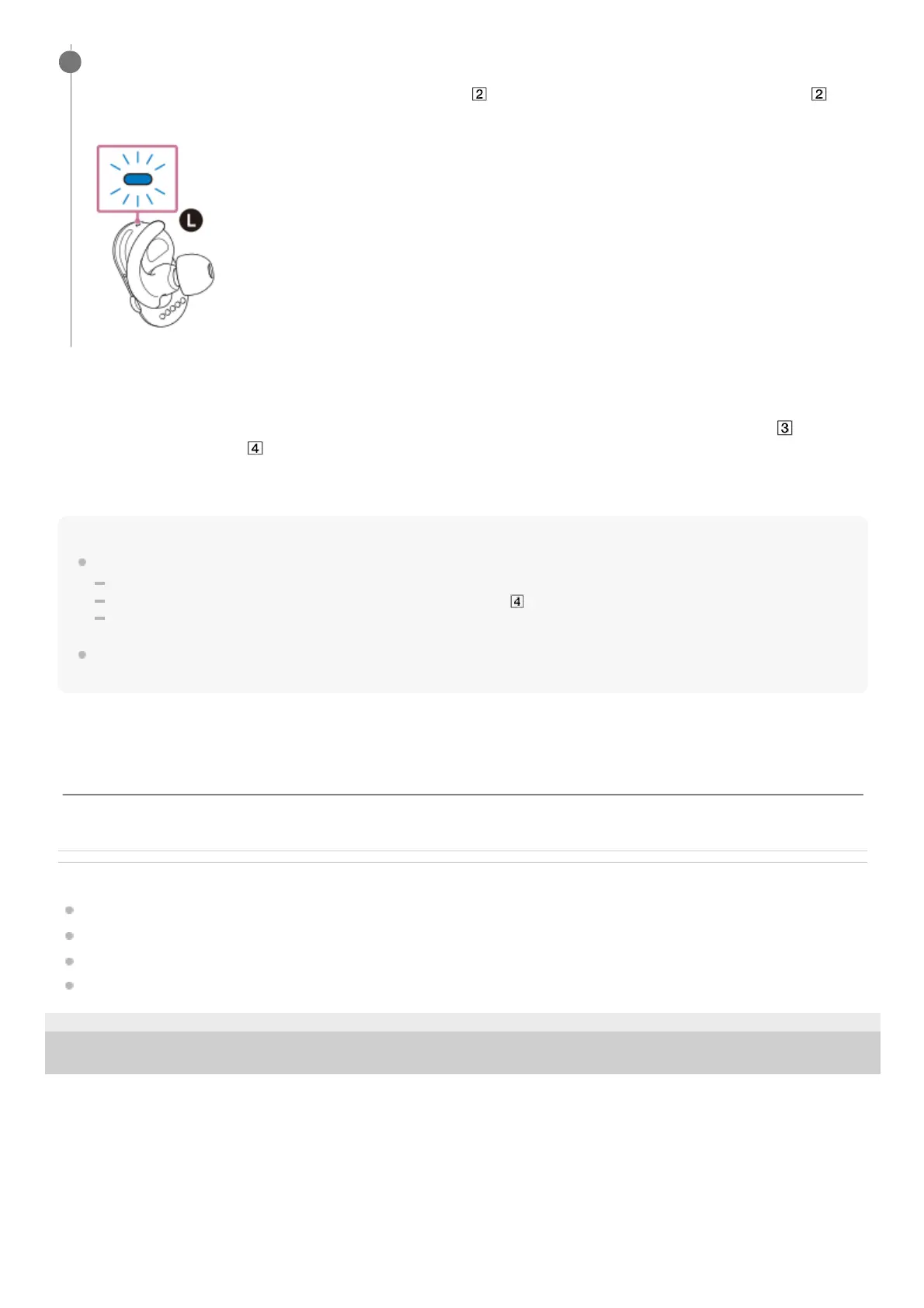
When the player connects to the smartphone, the lamp (
) flashes quickly for 5 seconds. Then, the lamp ( )
flashes slowly every 5 seconds.
6
The contents of the Help Guide may be subject to change without notice due to updates to the product's specifications.



 To Next Page