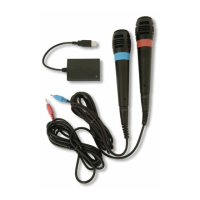
other automatically. These Wireless SingStar® Microphones have already been paired with the supplied USB receiver. If a
replacement Wireless SingStar® Microphone is introduced, it must be paired with the USB receiver.
• Ensure that the Wireless SingStar® Microphones are turned off before pairing them.
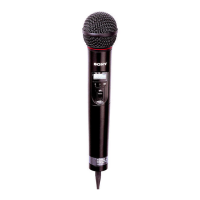
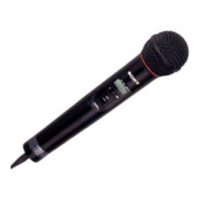
• Push the POWER/LOCK switch on one of the Wireless SingStar® Microphones into the POWER position and hold it for four
seconds. The LED indicator will glow green and then turn off. When the LED indicator turns off, release the POWER/LOCK
switch and the LED indicator will ash green to indicate that the Wireless SingStar® Microphone is in pairing mode. Be sure
to perform this operation within two metres of the USB receiver.
• Press and hold the BIND button on the USB receiver for four seconds. When its LED indicator glows green, release the
BIND button and the LED indicator will ash green to indicate that the USB receiver is pairing with the Wireless SingStar®
Microphone.
• When the Wireless SingStar® Microphone has paired successfully with the USB receiver, the LED indicators on both the
Wireless SingStar® Microphone and the USB receiver will glow green.
• Repeat the pairing process with the second Wireless SingStar® Microphone.
• The USB receiver will pair with a maximum of two Wireless SingStar® Microphones.
Using the Wireless SingStar® Microphones
During use, ensure that the Wireless SingStar® Microphones are within approximately ve metres of the PlayStation®2 console
or the PLAYSTATION®3 system. To ensure the best connection between the Wireless SingStar® Microphones and the USB
receiver, do not cover the microphone antennas during use.
The usage and function of the product may vary depending on the software in use.
See the appropriate software manual for details.
Troubleshooting
If you experience any difculties while using the Wireless SingStar® Microphones, please check the troubleshooting hints and
tips that follow.
• When a connection is achieved, the LED indicator on the Wireless SingStar® Microphone will glow green.
• To turn a Wireless SingStar® Microphone off, push the POWER/LOCK switch towards the POWER position and hold it
there briey before releasing it. The Wireless SingStar® Microphone’s LED indicator will turn off.
NOTE: A Wireless SingStar® Microphone will turn off automatically if left idle for 15 minutes.
• When using a Wireless SingStar® Microphone, push the POWER/LOCK switch into the LOCK position to make sure it
does not turn off accidentally.
Pairing the Wireless SingStar® Microphones
Two wireless devices are said to be paired when they recognise each other and are able to wirelessly connect to each
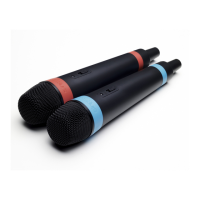
Wireless SingStar® Microphones
• Before using a Wireless SingStar® Microphone, carefully
remove its battery cover and insert two AA alkaline
batteries (supplied). Ensure that the ribbon inside the
battery compartment lies beneath the batteries and that
its loose end projects from under them. This will make it
easier to remove the batteries when they run out.
Connecting the Wireless SingStar® Microphones
USB receiver
• Connect the USB receiver to the PlayStation®2 console or
the PLAYSTATION®3 system using the USB Cable.
• Turn on the PlayStation®2 console or the
PLAYSTATION®3 system.
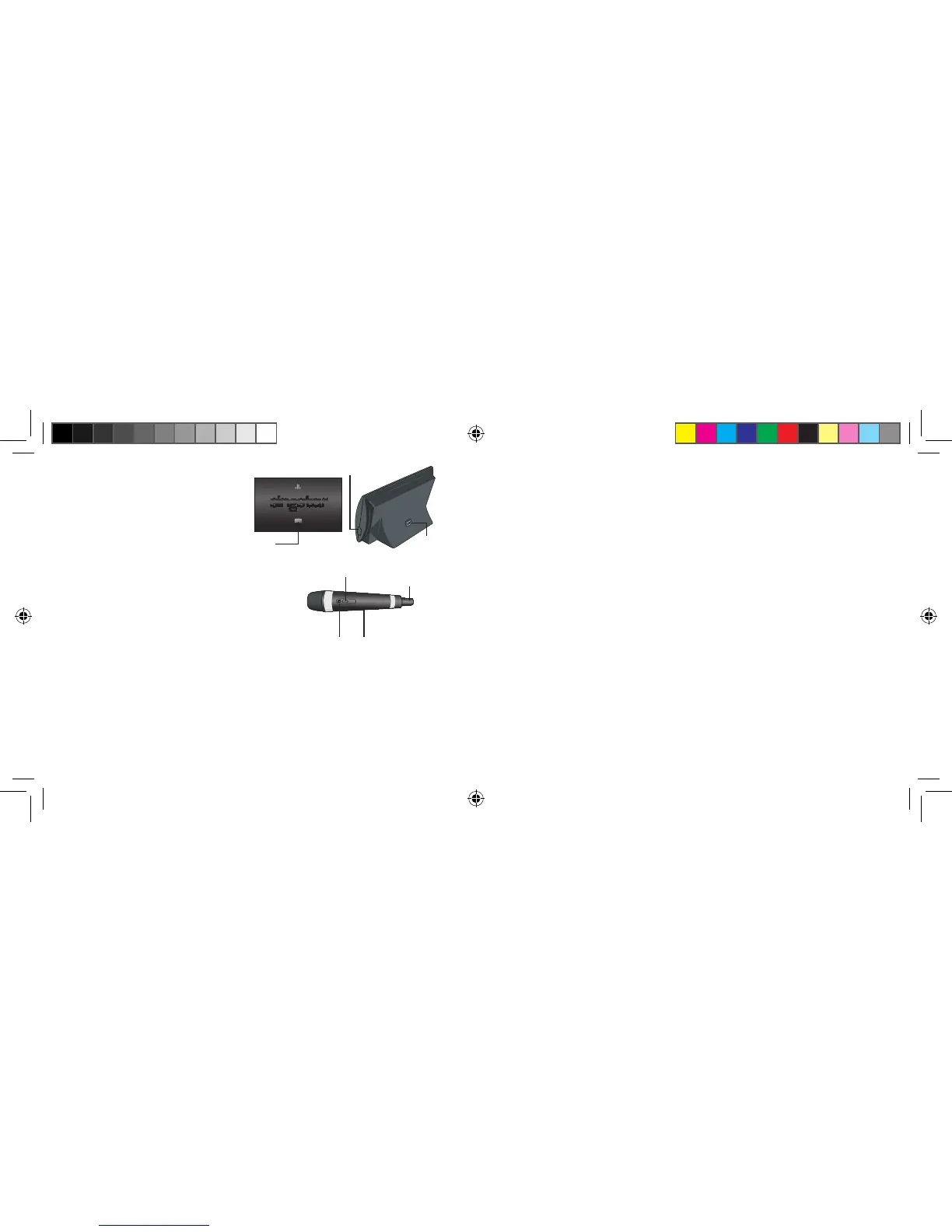
LED indicator
POWER/LOCK switch
LED indicator
battery cover
antenna
USB connector
BIND button


 To Next Page
 Loading...