Need help?
Do you have a question about the Sony XAV-A1 and is the answer not in the manual?
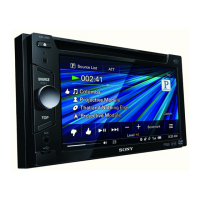
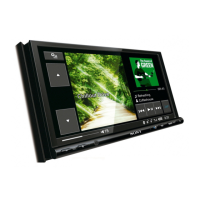
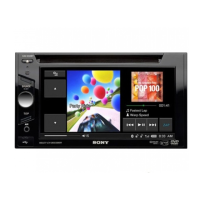
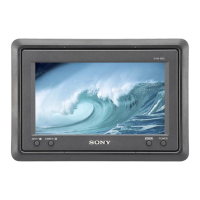
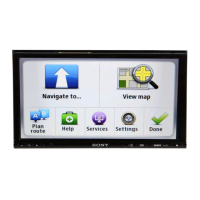
Highlights the main features of the AV Center unit, including monitor, disc compatibility, and connectivity.
Covers safe operation, installation, accident prevention, and general handling guidelines to prevent injury or damage.
Steps for initial setup including panel detachment, monitor adjustment, clock setting, and demo mode.
Identifies buttons and ports on the main unit and card remote commander.
Instructions for playing various disc formats (DVD, CD, MP3) and switching input sources.
Features like resume play, track selection, disc search, DVD menus, PBC, and subtitle management.
Tuning TV/radio channels, selecting XM sources, and using auxiliary devices.
Configuring monitor, display, sound, and other unit settings.
Adjusting DVD language, audio, display, parental control, and downmix settings.
Solutions for power, display, sound, operation, disc, radio reception, and error messages.
Details unit specifications, technical data, and definitions of terms.
 General
| Display Size | 6.2 inches |
|---|---|
| Resolution | 800 x 480 pixels |
| Bluetooth | Yes |
| Preamp Outputs | 3 (Front, Rear, Subwoofer) |
| Touchscreen | Yes |
| DVD Player | Yes |
| Apple CarPlay | No |
| Android Auto | No |
| AUX Input | Yes |
| AM/FM Tuner | Yes |
| Steering Wheel Control | Yes |
| Rear View Camera Input | Yes |
| USB Port | Yes |
| Audio Formats Supported | MP3, WMA |
| Power Output | 55W x 4 |

 To Next Page