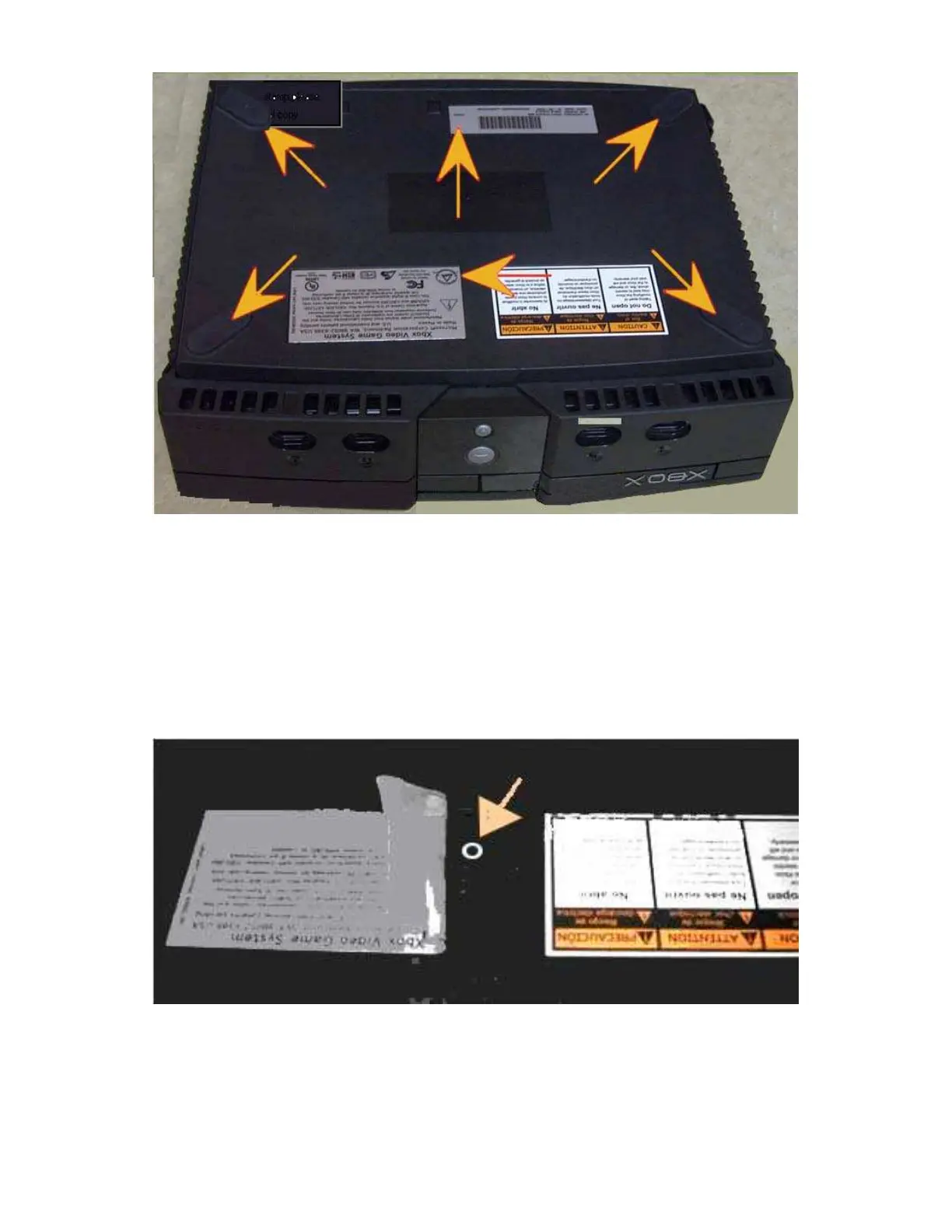
Getting at the screws under the feet. Just peel back the outer edge of the
rubber foot. Leave the other half of the adhesive rubber foot to hold it in
place. This is a good time to get out the X-Acto knife to help peel back the
adhesive. (Update, I find I just cut the feet when I try to use the X-acto knife,
try wedging the #20 Torx in there and twist it using the "fins" on the driver to
pull up the pad just enough to get to the screw) Once you are able to get the
feet up just enough to get at the screw start un screwing, let the screw push
the foot out of the way rather than trying to peel it back further this way the
pad is only removed as much is absolutely necessary.
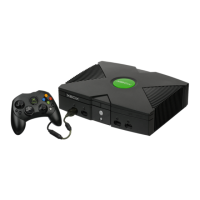
Once all six screws are removed, flip the box upright and grab the sides and
shake it a little bit and the bottom should drop away from the cover. I find this
is done most easily by putting the Xbox in my lap.
Step 4 - Drive removal, there are 3 screws total holding in both drives. First
remove the one for the hard drive; it is located under the IDE cable.








 To Next Page