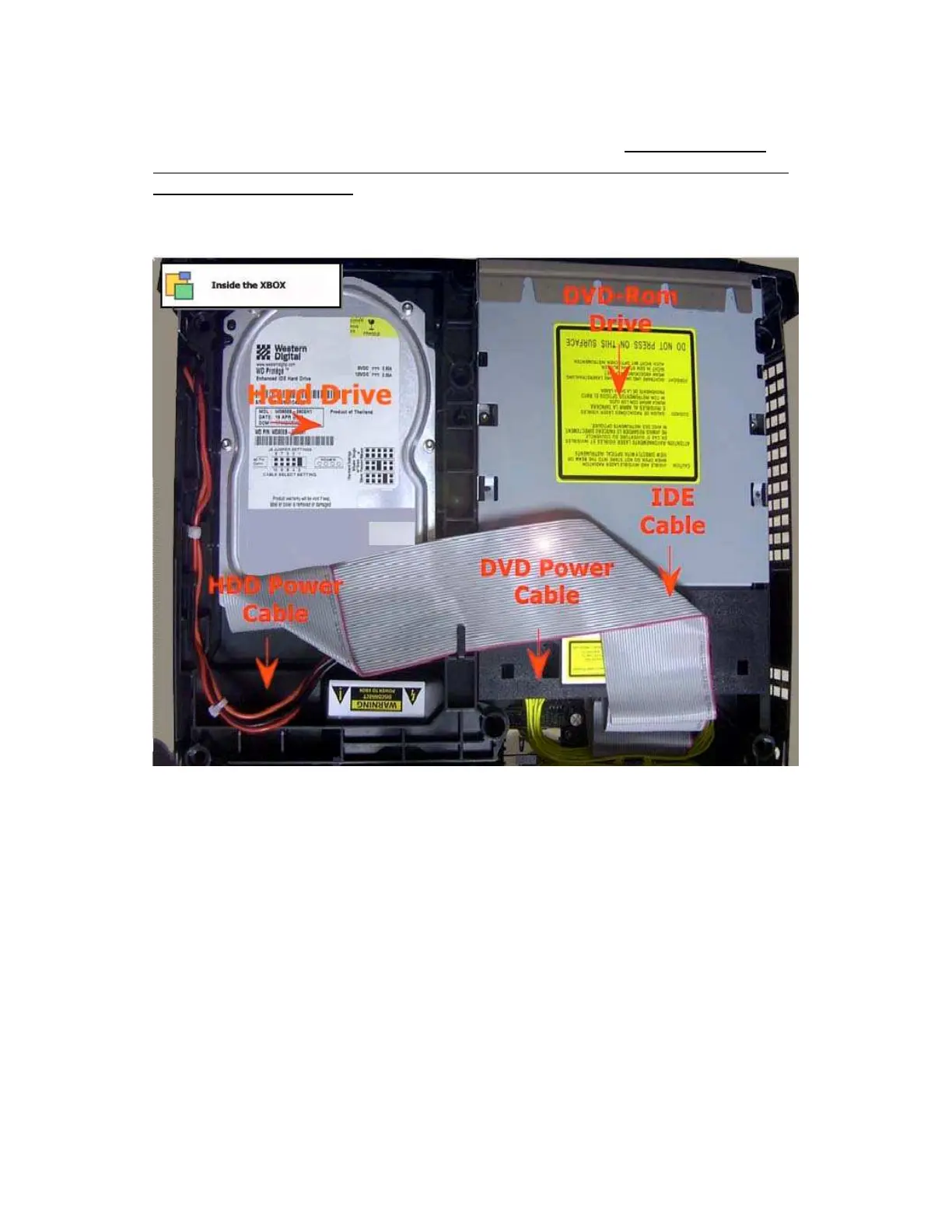
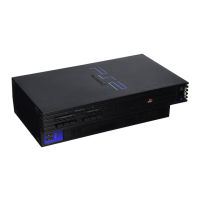
Two others are on either side of the front of the DVD drive. Once the screws
are removed unplug the IDE cable to the Hard Drive and loosen the power
cord from the track it sits in on the drive tray if you miss this step you wont be
able to remove the drive. The power cord can be left plugged in on the hard
drive, the cord is long enough to allow you to position as desired. The hard
drive needs to be lifted straight up for removal and there is no really good way
to grab it, I find sticking a finger in the hole in the front right of the carrier and
grasping the rear of the carrier with the other hand works to get it loose,
moved up about an inch or so and then lifting it with both hands from the sides
to remove it.








 To Next Page