Getting started
About this User guide
This is the Xperia™ E4 User guide for the Android™ 4.4.4 software version. If you're
not sure which software version your device is running, you can check it via the
Settings menu. For more information about software updates, see
Updating your
device
on page 112.
To check the current software version of your device
1
From your Home screen, tap .
2
Find and tap Settings > About phone > Android version.
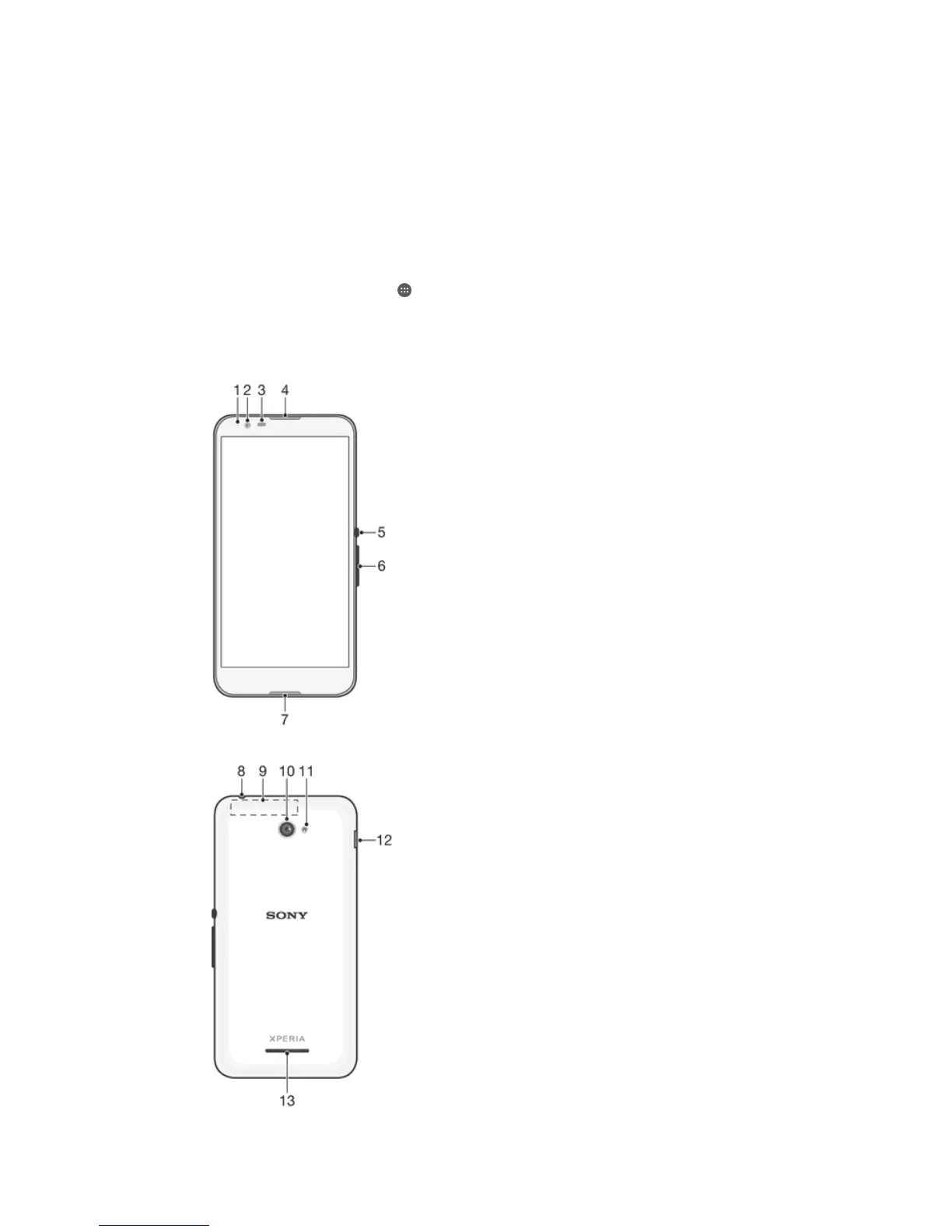
Overview
6
This is an Internet version of this publication. © Print only for private use.










 To Next Page