5
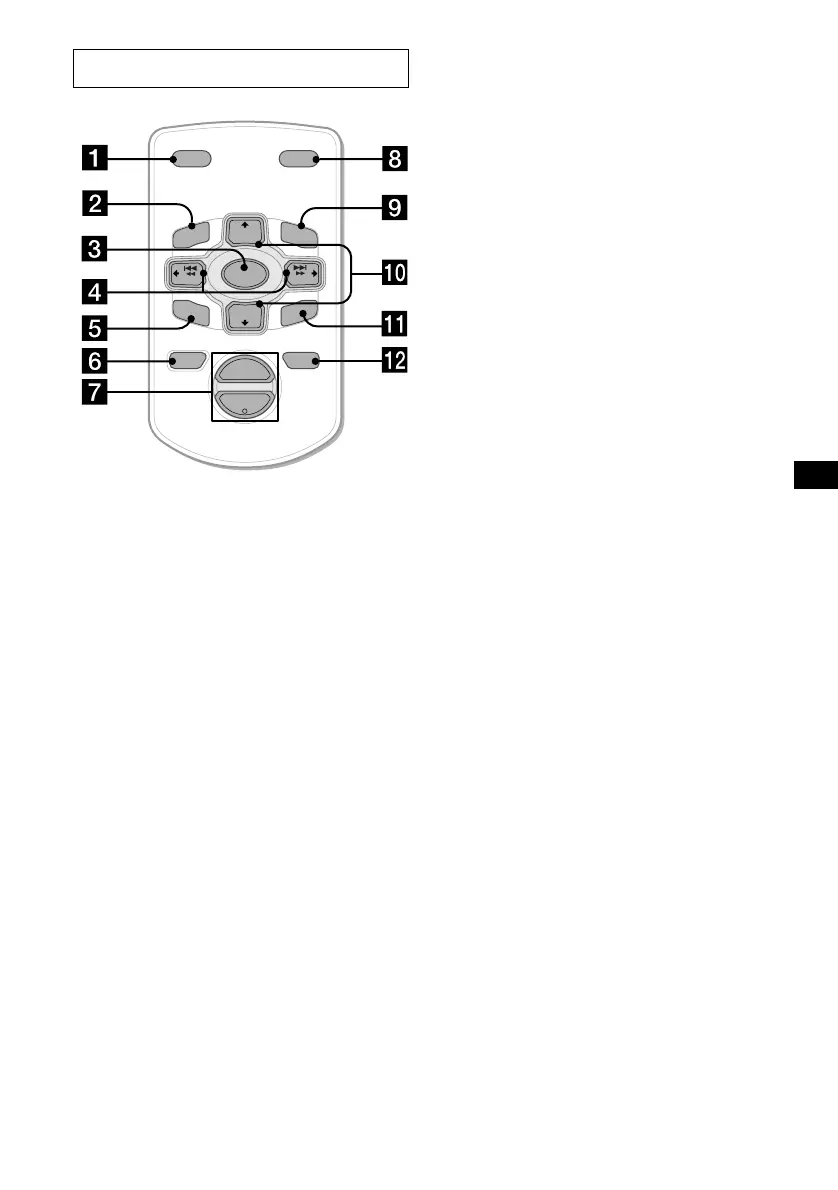
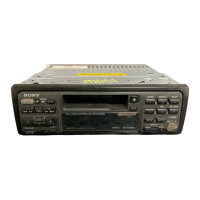
The corresponding buttons of the card
remote commander control the same
functions as those on this unit.
a DSPL button
b MENU button*
c SOURCE button
d SEEK (+/–) buttons
e SOUND button
f OFF button
g VOL (+/–) buttons
h MODE button
i LIST button
j DISC/PRESET (+/–) buttons
k ENTER button
l ATT button
* Not available for this unit
Note
If the display disappears by pressing (OFF), it cannot
be operated with the card remote commander unless
(SOURCE) on the unit is pressed, or a cassette tape is
inserted to activate the unit first.
Tip
Refer to “Replacing the lithium battery” for details on
how to replace the batteries (page 21).
Card remote commander RM-X114
DISC
–
ATTOFF
DSPL MODE
SOURCE
DISC
+
VOL
+
–
PRESET
+
SEEK
+
SEEK
–
PRESET –
SOUND
E
N
TE
R
MENU
LIST



 To Next Page