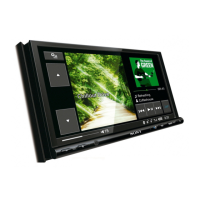
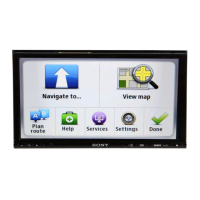
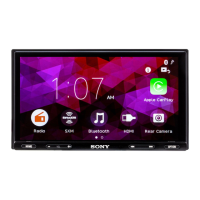
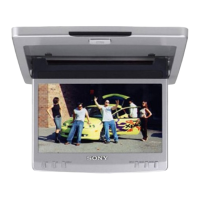
8
Tip
Refer to “Replacing the lithium battery” for details on how to replace the batteries (page
18).
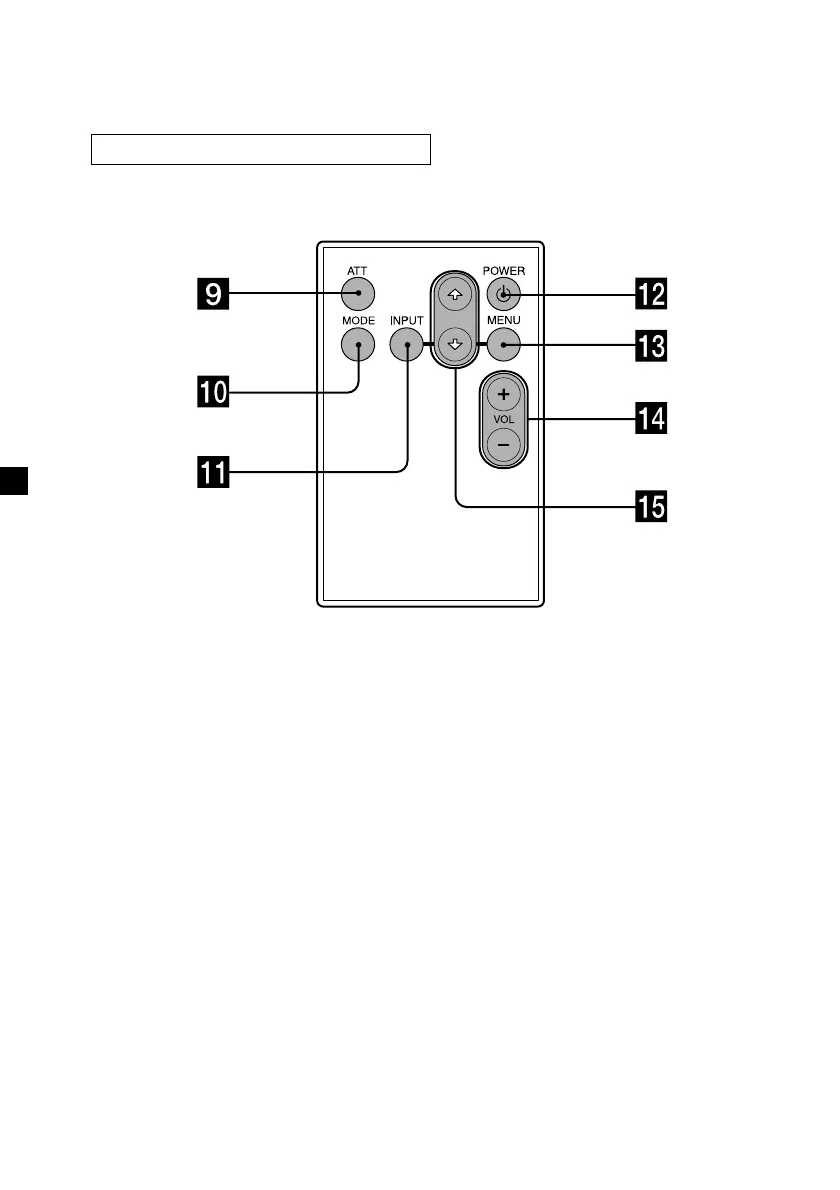
9 ATT button 14
Press to quickly attenuate the
volume.
0 MODE button 10
Press to change the screen mode.
qa INPUT button 11
Press to select the input source.
qs POWER button 9
qd MENU button 12, 13
Press to adjust the various display
settings.
qf VOL (volume) +/– buttons 14
Press to adjust the volume.
qg
F/f buttons
Card remote commander RM-X123


 To Next Page