7
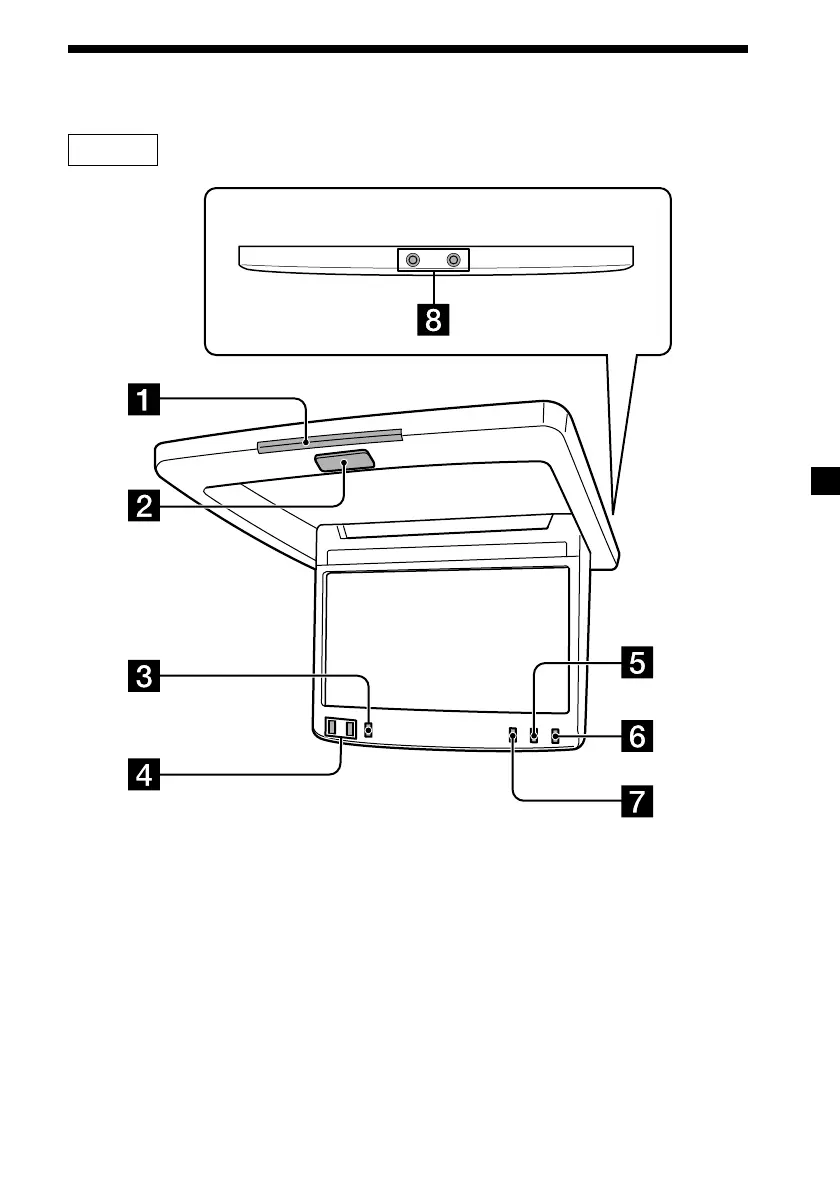
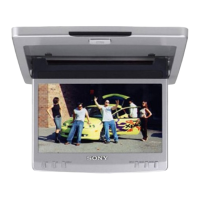
Location of Controls
1 Receptor for the card remote
commander
2 OPEN/CLOSE button 9
Press to open and close the monitor.
3 MENU button 12, 13
Press to adjust the various display
settings.
4 M/m buttons
5 MODE button 10
Press to change the screen mode.
6 INPUT button 11
Press to select the input source.
7 DIMMER button 12, 13
Press to set the dimmer function on
and off.
8 Headphone jacks (stereo mini) 14
Connect headphones to these jacks.
Monitor
continue to next page t


 To Next Page