Help Guide
Digital Camera
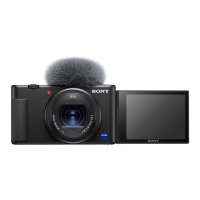
ZV-1M2
Select REC Folder
If [Folder Name] under [File/Folder Settings] is set to [Standard Form] and there are 2 folders or more, you can select the
folder on the memory card to which images are to be recorded.
Note
You cannot select the folder when [Folder Name] under [File/Folder Settings] is set to [Date Form].
Related Topic
File/Folder Settings
Create New Folder
5-049-603-11(1) Copyright 2023 Sony Corporation
MENU →
(Shooting) → [File] → [Select REC Folder] → desired folder.
1


 To Next Page