Hint
In the
(Main) tab, you can view a list of the current shooting settings. Select a setting value in the tab to open the
corresponding menu item and change the setting value.
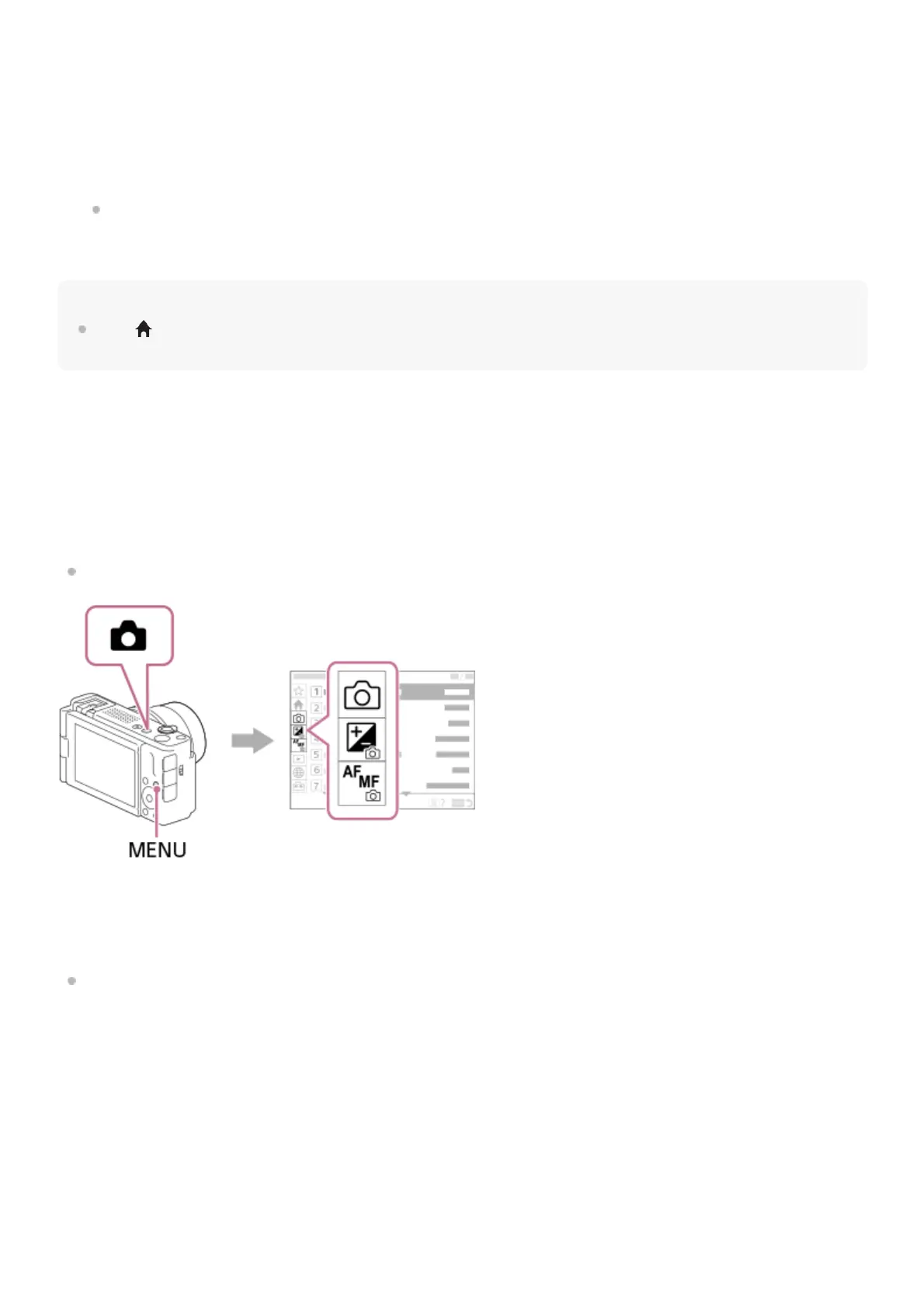
Relationship between the shooting mode and menu screen
The menu groups and menu items displayed in the [Main], [Shooting], [Exposure/Color], and [Focus] tabs vary
depending on the shooting mode.
Still image shooting modes
Menu items for shooting still images are displayed.*
Movie recording modes/Slow-motion and quick-motion shooting modes
Menu items for recording movies are displayed.
(A) Menu tabs
(B) Menu groups
(C) Menu items
Press the center of the control wheel to select the menu item.
The setting screen or execution screen for the selected item will appear on the monitor.
3.
Select a parameter or execute the function.
If you want to cancel changing the parameter, press the MENU button and go back to the previous screen.
4.
Press the MENU button to exit the menu screen.
You will return to the shooting screen or playback screen.
5.
Since you can record movies with the MOVIE (Movie) button even in the still image shooting mode, some basic movie menu items are also
displayed.
*



 To Next Page