Help Guide
Digital Camera
ZV-1M2
Shoot Mode: Scene Selection
Allows you to shoot with preset settings according to the scene.
Menu item details
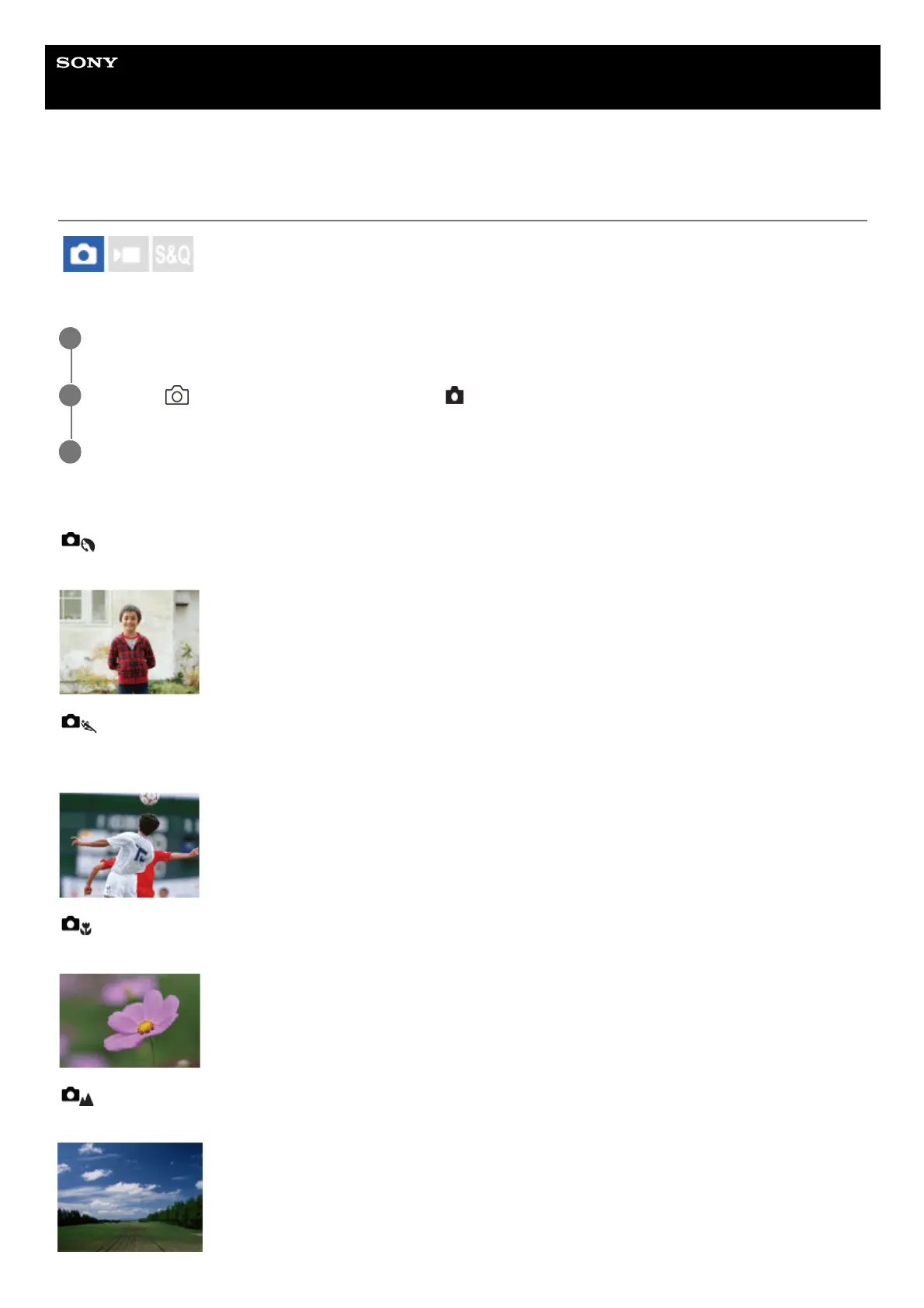
Portrait:
Blurs background and sharpens the subject. Accentuates the skin tones softly.
Sports Action:
Shoots a moving subject at a fast shutter speed so that the subject looks as if it is standing still. The product shoots
images continuously while the shutter button is pressed.
Macro:
Shoots close-ups of the subjects, such as flowers, insects, food, or small items.
Landscape:
Shoots the entire range of a scenery in sharp focus with vivid colors.
Press the Still/Movie/S&Q button to select the still image shooting mode.
1
MENU →
(Shooting) → [Shooting Mode] → [ Shoot Mode] → [Scene Selection].
2
Select the desired mode in scene selection.
3



 To Next Page