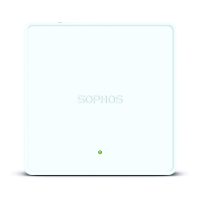
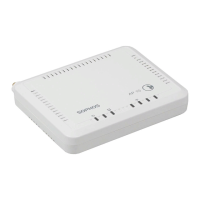
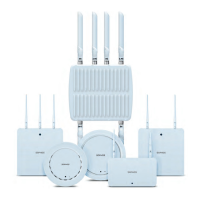
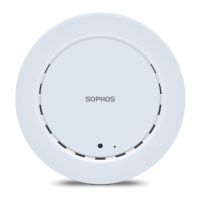
5 Quick Start Guide APX 320/530/740
ENGLISH
3. Configuration
After successful connection to the wireless controller the status LED turns to solid green.
The access point is now ready to be managed.
Please refer to the documentation of your Sophos firewall/UTM or the Sophos Central
online help to start the configuration of your access point.
4. LED Status
Off Off AP is off or reboot started.
Green Solid Normal operation.
Flashing AP is booting & connecting to wireless
controller or applying configuration.
*
Amber Solid AP has no connection.
Flashing AP is not claimed by wireless controller.
Red Solid Error, no wireless controller found. AP will
reboot (if not yet claimed by a controller). Check
network connection if error persists.
If reset button pressed: AP preparing configuration reset.
Flashing slowly Configuration reset in progress.
*
Flashing fast Firmware update in progress.
Note: Do not disconnect from power,
nor reboot or reset the device.
When the device connects to Sophos Central or
Sophos Firewall for the first time, it might take
more than 15 minutes to update firmware.
* Your AP should recover from this state after a maximum of 5 minutes.



 To Next Page
 Loading...